Typing practice that learns your habits
Start typing below. Every keystroke is timed to find the keys and moves that slow you down, then practice aims right at them. Free, no signup.
The timer starts with your first key.Tab or Esc for new textBackspace fixes a slip
How it works
Type a short baseline
Thirty common words, about half a minute. The timer starts with your first key, and there is nothing to sign up for.
One more round finds your weak keys
Every keystroke is timed and every slip is logged. Each key and each pair of keys is compared with your own average, not with anyone else’s.
Practice aims at what slows you down
Adaptive rounds fill about two words in three with your weakest keys and slowest moves. As those improve, the targets move on.
New to typing? The 17 typing lessons start from the home row and add a few keys at a time, up to the number row, with the keyboard guide showing which finger to use. Already typing? The speed roadmap shows what to practice for your next milestone, from 30 WPM to 250. For children, typing adventures tell a story with only the keys they know.
What it measures
- Keys
- The time since the previous keystroke and the miss rate, for every key. Pauses over two seconds don’t count as slowness, and the estimates follow your recent presses, so the profile keeps up as you improve.
- Moves
- Two keys in a row, like th or ce. A move that is slower than its second key on its own points to an awkward transition, often the same finger twice.
- Slips
- The key you hit when aiming for another, sorted into next door, other hand, same finger and far apart. Each kind has a different fix.
- Habits
- Swapped letters (“teh” for “the”), pauses before each new word, the speed of each finger, and the words you trip over most.
Free and private. Sign in to keep your progress
There is nothing to pay for, and you can start without an account: your habit profile lives in this browser. Sign in with Google, free, and it is saved to your account too, so it follows you to any device, survives clearing this browser, and gives the AI coach all of your practice to go on. Your habits shows everything the trainer has learned, and you can erase it at any time. Otherwise the app sends us only anonymous usage events, and the optional AI features send OpenAI a summary of your typing numbers when you use them, as the privacy page explains.
Want a single number first? Take the 60-second typing speed test. It feeds the same profile.
Typing guides
Short answers to the questions people ask about typing, each backed by the research it cites: how fast is fast, how to get faster and more accurate, where your fingers go, and how to stop looking down.
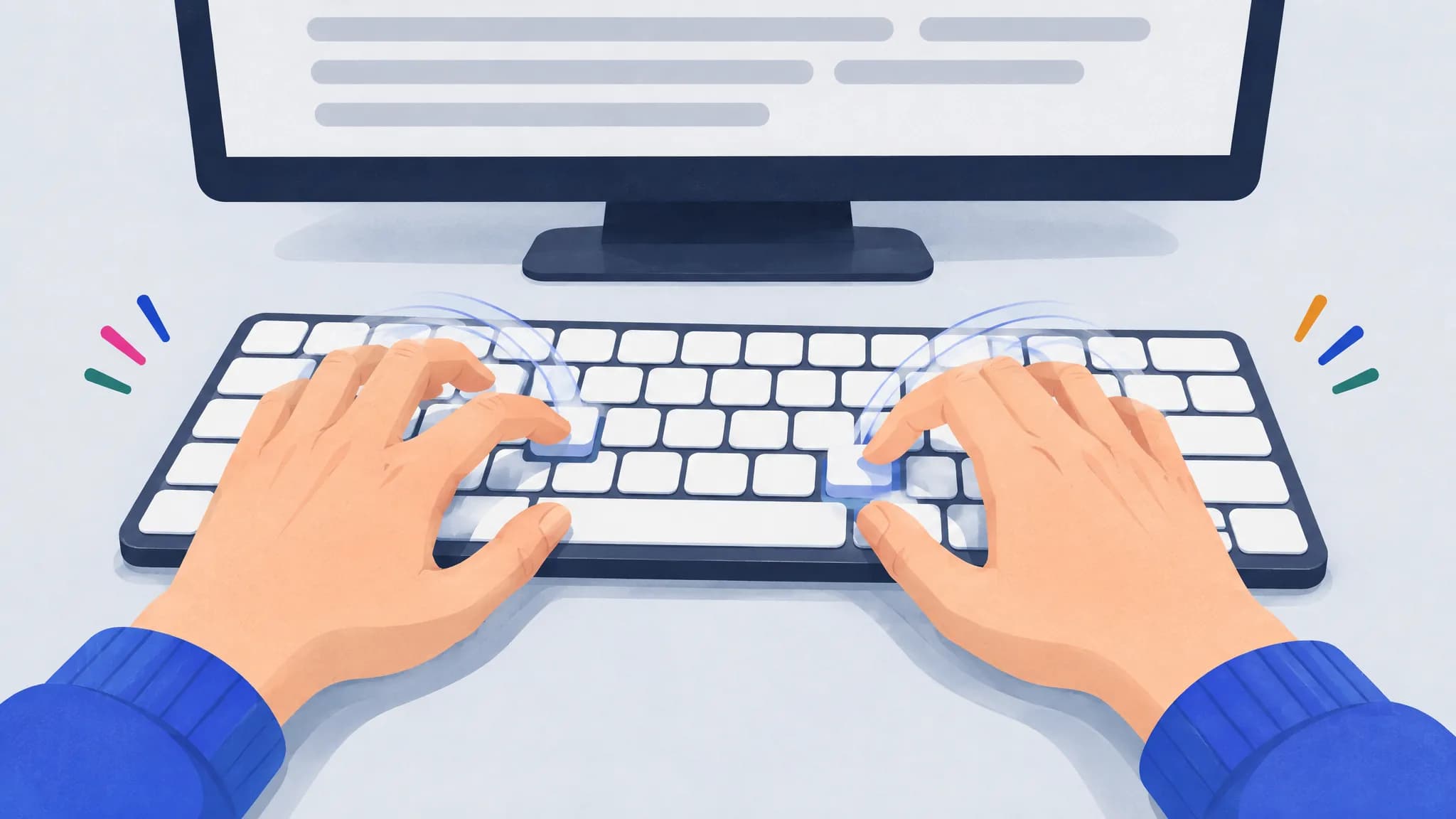
How to type faster: a practical plan
Cut mistakes first, then practice your slowest keys and key pairs a few minutes a day, read ahead and let keystrokes overlap. A plan based on research.
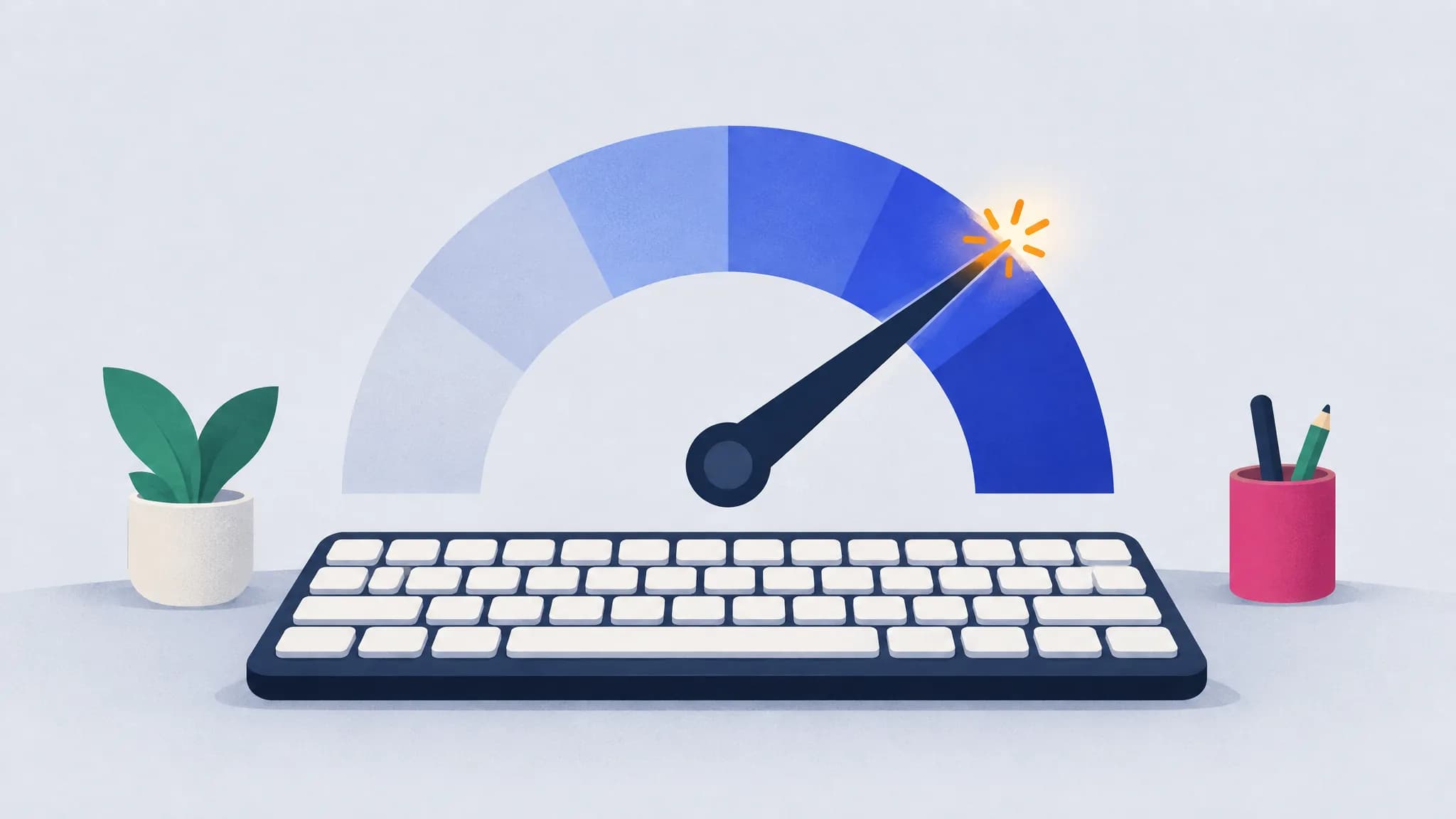
What is a good typing speed? Average WPM and percentiles
The average typist types about 52 WPM. 60 WPM beats about 68% of typists, 80 WPM puts you in the top 10%, and federal typing jobs ask for 40 WPM.
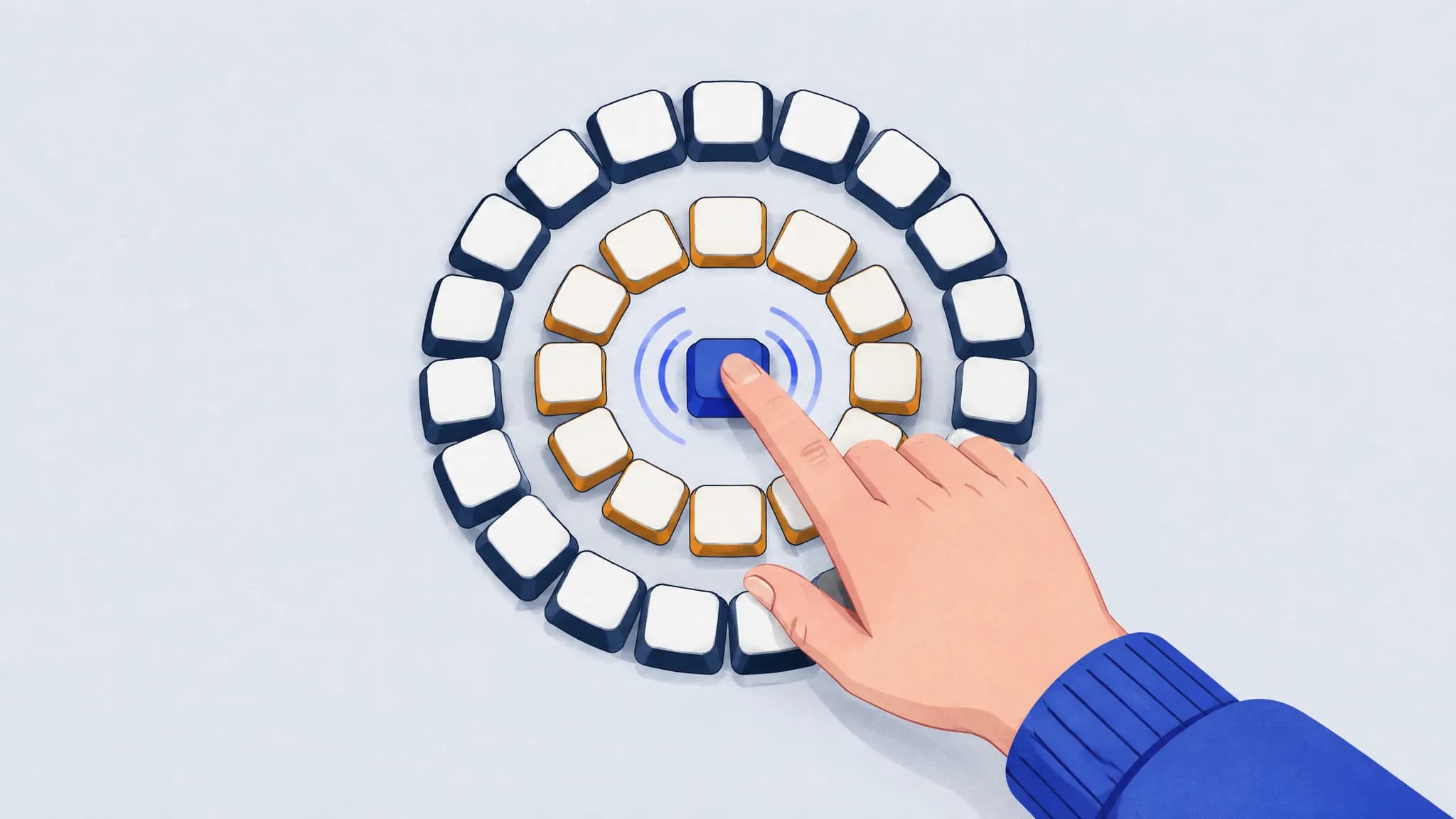
How to improve typing accuracy
Slow down until mistakes nearly stop, find the keys you miss and what you hit instead, and fix the reach behind each slip. You’ll usually get faster too.
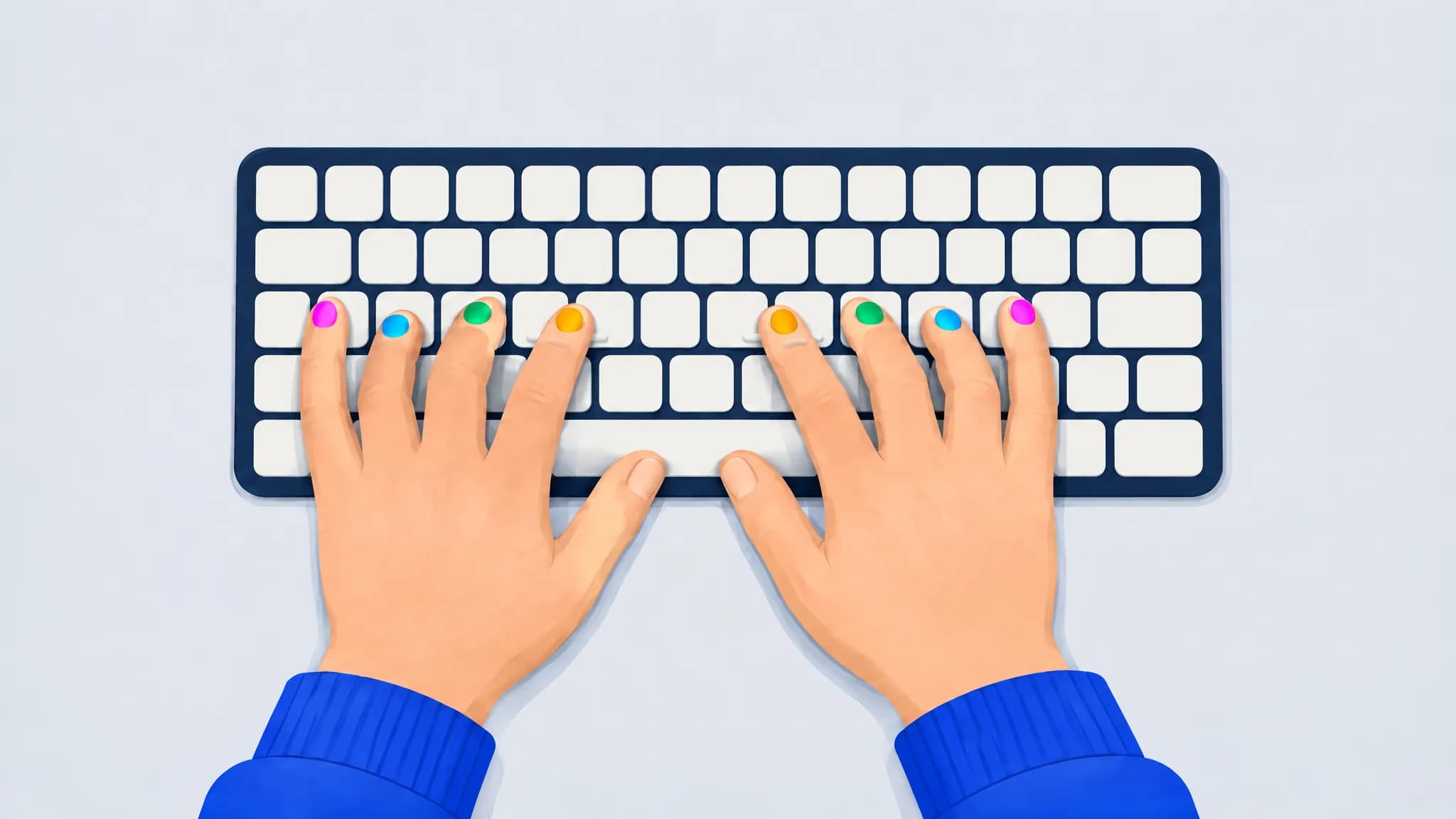
Touch typing finger placement: home row keys and a finger chart
Rest your left fingers on A S D F and your right fingers on J K L ;, thumbs on the space bar. Each finger covers the keys above and below its home key.
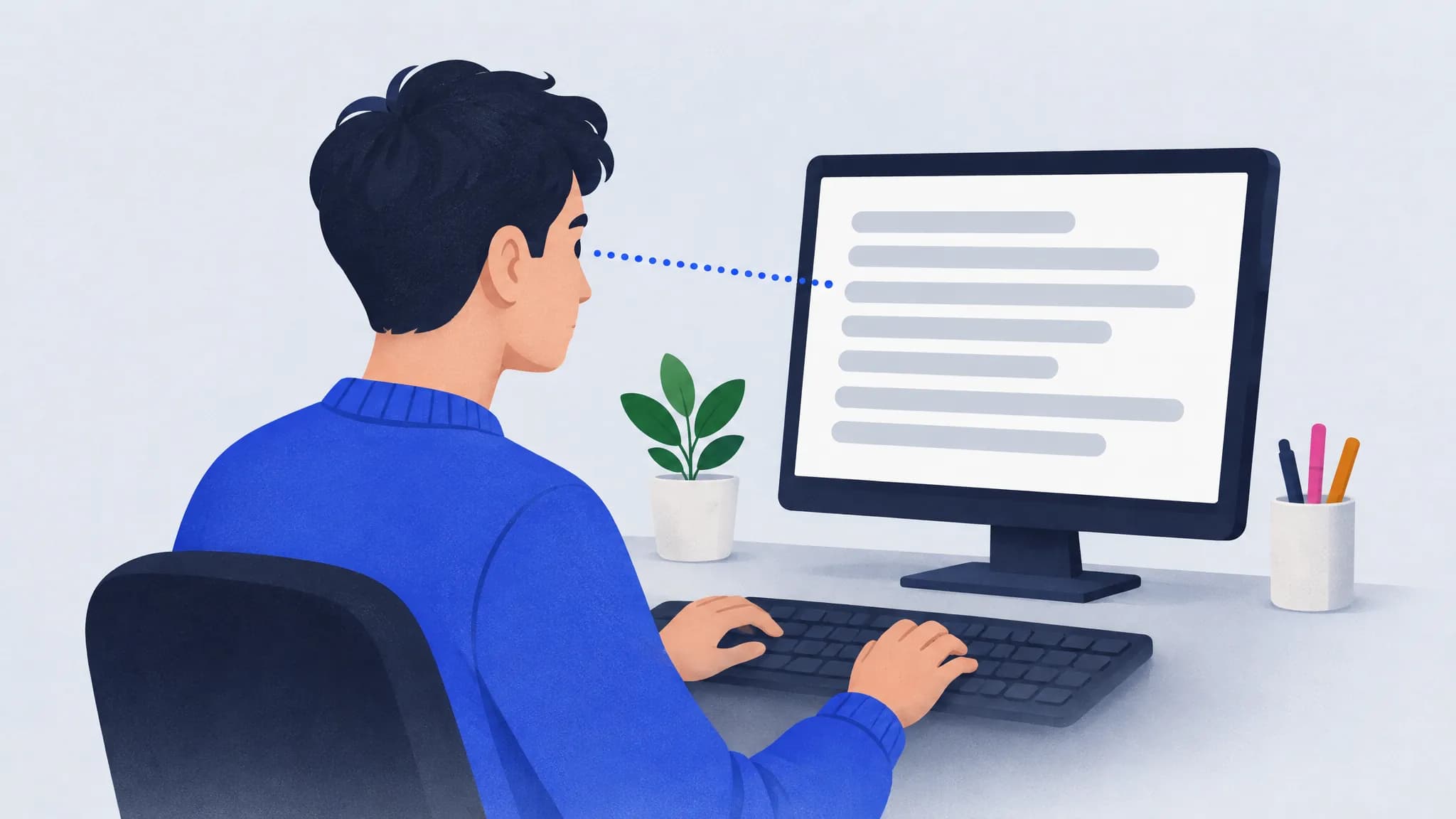
How to stop looking at the keyboard when you type
Anchor on the F and J bumps, keep your eyes on the text even when it slows you down, and fade any on-screen keyboard as you improve. Expect a short dip.
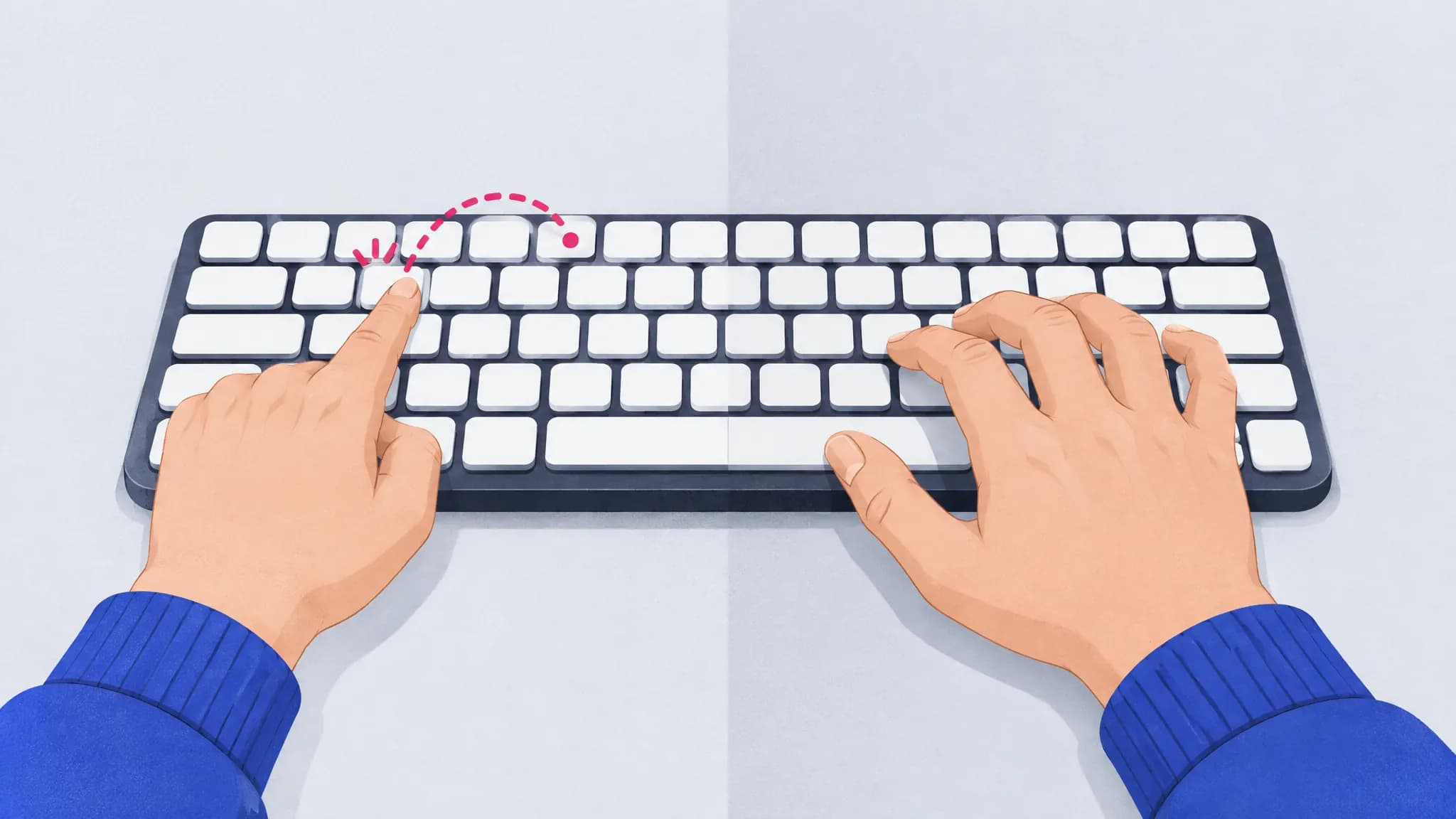
Two-finger typing vs touch typing: is it worth switching?
Self-taught typists using about six fingers can match touch typists for speed, but they look at their hands twice as long. Here’s when switching pays off.
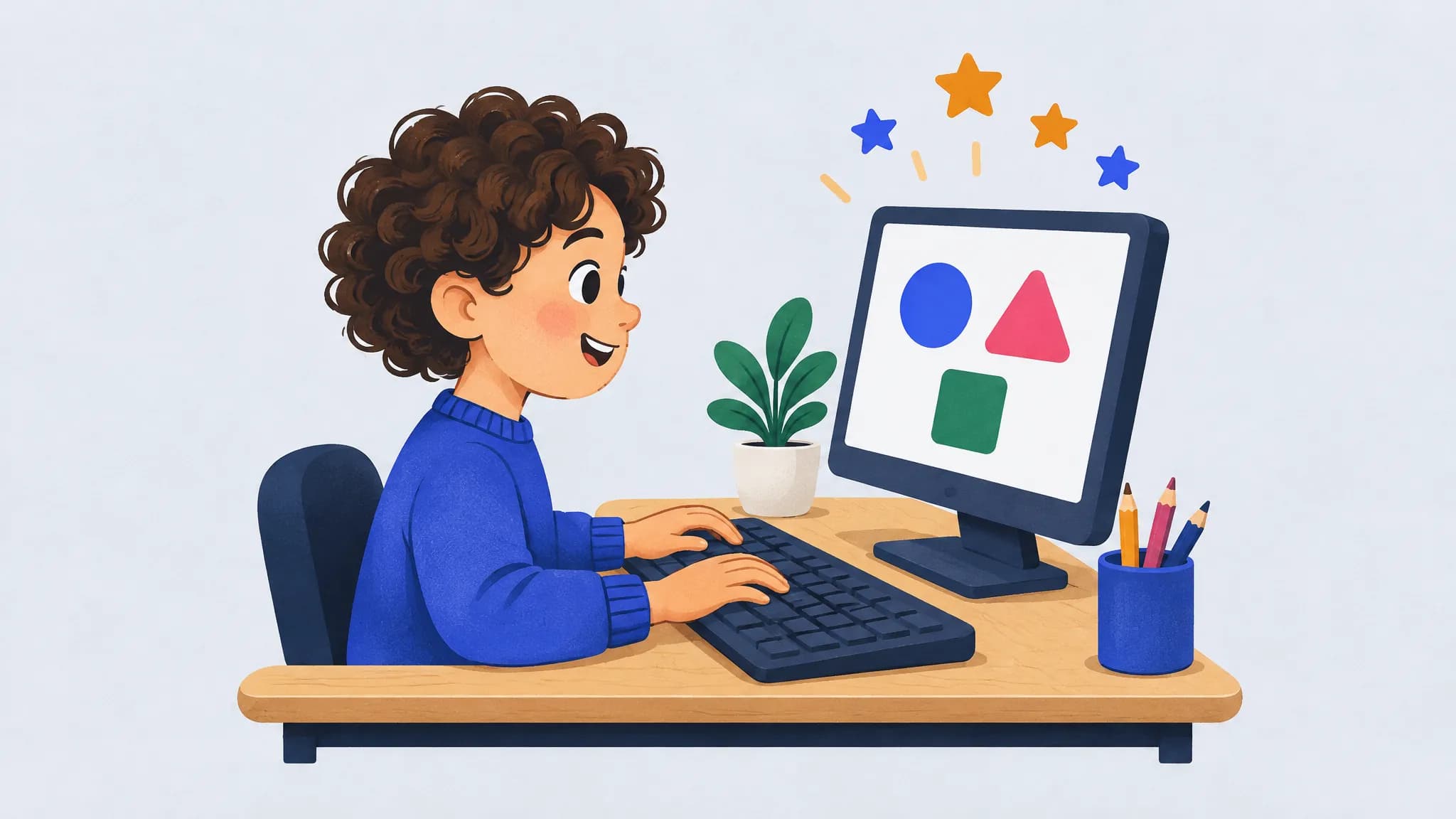
Typing for kids: when and how to start
Many children can start learning to type in early elementary school. Keep sessions short, teach the home row first, check their posture and praise the practice.
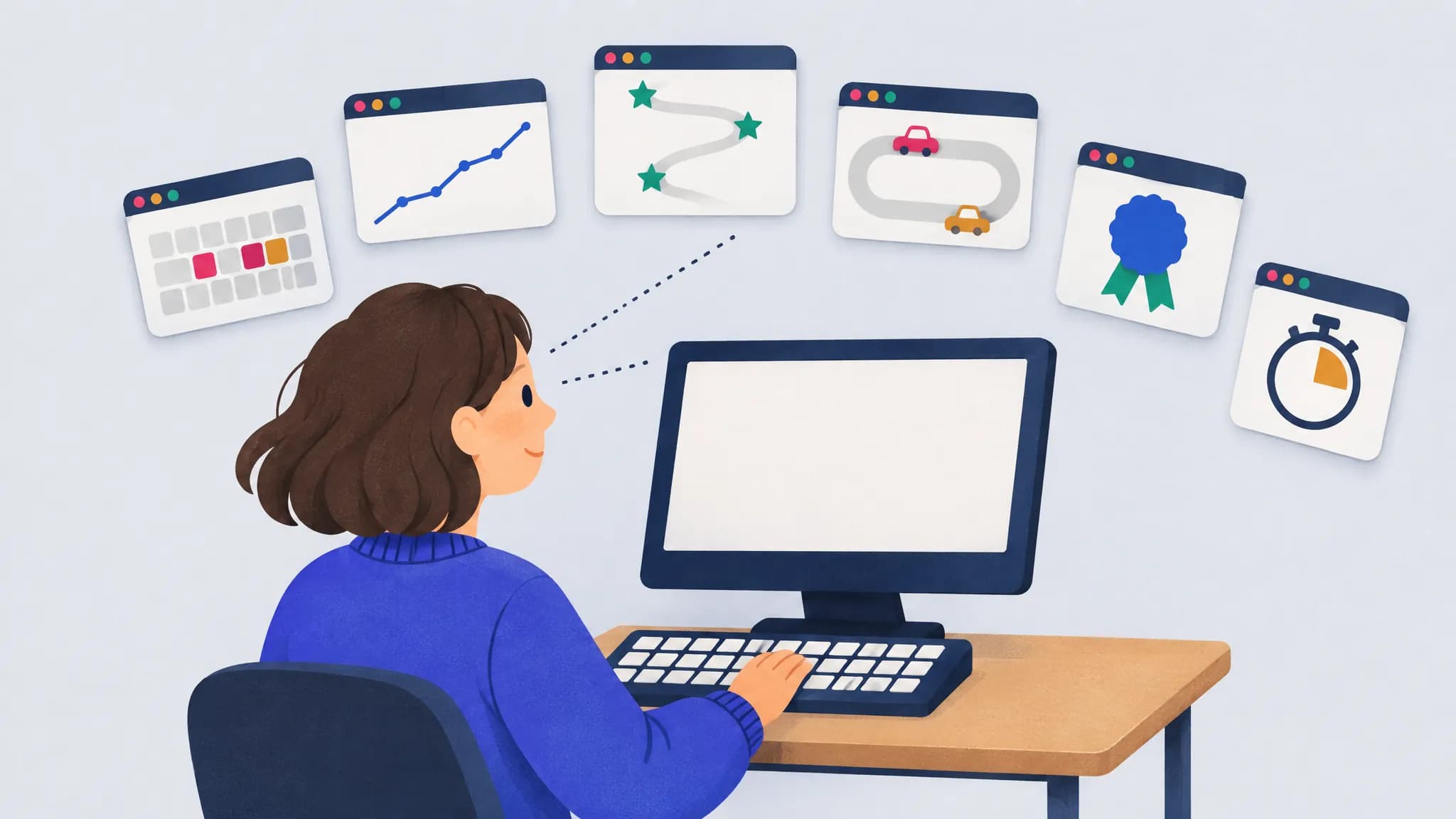
Free typing practice sites compared: which one should you use?
For weak-key practice, try keybr or TypingPractice.ai; for speed tests, Monkeytype; for kids and classes, TypingClub or Typing.com. Prices and ads compared.
Frequently asked questions
Is TypingPractice.ai free?
Yes. Practice, the speed test, your habit report and the AI features are free, and you can start without an account. Signing in with Google is free too, and keeps your progress on every device.
Do I need an account?
No, you can start typing right away. But if you practice more than once, sign in with Google: it’s free, and your progress is then saved to your account as well as this browser.
That means your rounds and habit profile follow you to other browsers and devices, they survive clearing this browser’s data (Safari, for one, can clear a site’s saved data after seven days without a visit), the AI coach reviews all of your practice, and you get more AI practice texts and coach reviews each day. You can also pick a light or dark theme, and it follows you too.
How does it find my weak keys?
It times every keystroke. The time between two correct keystrokes in a row shows how quickly you reach each key and each two-key move. Misses show which keys you miss and what you hit instead. Usually after two short rounds, it has timed enough keys to compare each one with your own average, and it builds practice text around the slowest and least accurate ones.
What is a key pair, and why practice it?
A key pair (bigram) is two keys typed in a row, like “th” or “ed”. Some pairs are slow even when both keys are fine on their own, usually because one finger makes both presses or the hand has to stretch. TypingPractice.ai compares each pair with its second key on its own, so it can tell an awkward move from a slow key.
How often should I practice?
A few minutes most days works better than occasional long sessions. Short rounds aimed at your weakest keys let you see them catch up over the week, and your habits page tracks it.
Does it work on a phone?
Yes, with the on-screen keyboard, but it is built for physical keyboards, where finger habits matter most.
Where is my data stored?
In your browser, and in your account only if you sign in. Your typing profile and progress are saved in this browser’s local storage, and clearing this site’s data resets them. Signing in with Google is optional: it also stores your name, email, profile picture link and typing profile on our servers, and a session cookie keeps you signed in. We also receive anonymous usage events, such as a finished round’s speed and accuracy, with no cookies and no ID that outlasts the page, and we don’t store IP addresses. The AI features are optional: only when you use AI practice text or ask the AI coach for a review does a summary of your typing numbers, never what you typed, go to OpenAI through our server. The privacy page lists exactly what is stored and sent, and how to delete your account.