Speed and accuracy
How to improve typing accuracy
Slow down until your mistakes nearly stop, then find out which keys you miss and what you hit instead, because most slips repeat and each kind has its own fix. It costs less speed than you’d think: in a study of 168,960 typists, the fastest also made the fewest mistakes, pressing Backspace about a third as often as the slowest.
On this page
What is good typing accuracy?
Accuracy is the share of your keystrokes that hit the right key. On TypingPractice.ai, a mistake still counts against it after you fix it, and Backspace itself doesn’t count, so it measures how cleanly you type, not just how clean the final text is.
For a sense of what’s normal, look at how often people correct themselves. In a 2018 study of 168,960 typists, the average typist pressed Backspace or Delete on 6.3% of keystrokes, and left about 1.2% of characters wrong at the end. The fastest 10% pressed Backspace on 3.4% of keystrokes, about one in 30. The slowest 10% did so on 9.1%, about one in 11.
As a rule of thumb, if your accuracy is below about 95%, your mistakes are probably costing you a lot of speed, and the steps below will help most.
Why does accuracy matter so much for speed?
Every mistake costs at least three keystrokes, the wrong key, Backspace and the right key, plus the moment it takes to notice. In the 2018 data, from about 30 words per minute upward, the typists who made and corrected fewer errors were faster, and the researchers point out that cutting errors by a small margin can bring a large gain in speed.
You also have more control over it than it may seem. In experiments by Yamaguchi, Crump and Logan (2013), skilled typists who were asked to trade speed for accuracy could do it on demand, and most of the change happened at the level of individual keystrokes rather than in how they planned the words. Slowing your fingers a little is enough.
How do you find your accuracy pace?
Your accuracy pace is the fastest speed at which your mistakes nearly stop. To find it:
- Type one round at your usual speed and note your accuracy.
- Type the next round deliberately a little slower, aiming to hit every key cleanly.
- Keep stepping down until mistakes become rare, then practice at that pace for a week or two.
It will feel slow. Stay with it: speed comes back as the clean movements become automatic, and it comes back without the mistakes.
Which mistakes do you keep making?
Typing errors come in a few kinds. The 2018 study counted them in a detailed sample of 783 of its typists:
- Substitutions, a wrong key in place of the right one (“riad” for “road”), were the most common, at 1.65% of characters.
- Omissions, a missing letter (“commitee”), came to 0.80%.
- Insertions, an extra letter (“string” for “sting”), came to 0.67%.
Substitutions also separated fast and slow typists most: 0.84% of characters for the fastest 10%, against 3.72% for the slowest 10%. The researchers suggest they come from using fingers inconsistently and from a fuzzy sense of where each finger is. That’s good news, because both can be trained.
The useful question is which wrong key you hit, and where it sits relative to the right one. That tells you what went wrong.
How do you fix each kind of slip?
Next door: you hit the key beside the right one
Typing R for T, or N for M, means the reach landed a little off. Often your hand has drifted from the home row. Let each finger come back to its home key after every reach, and check that your index fingers are on the bumps on F and J.
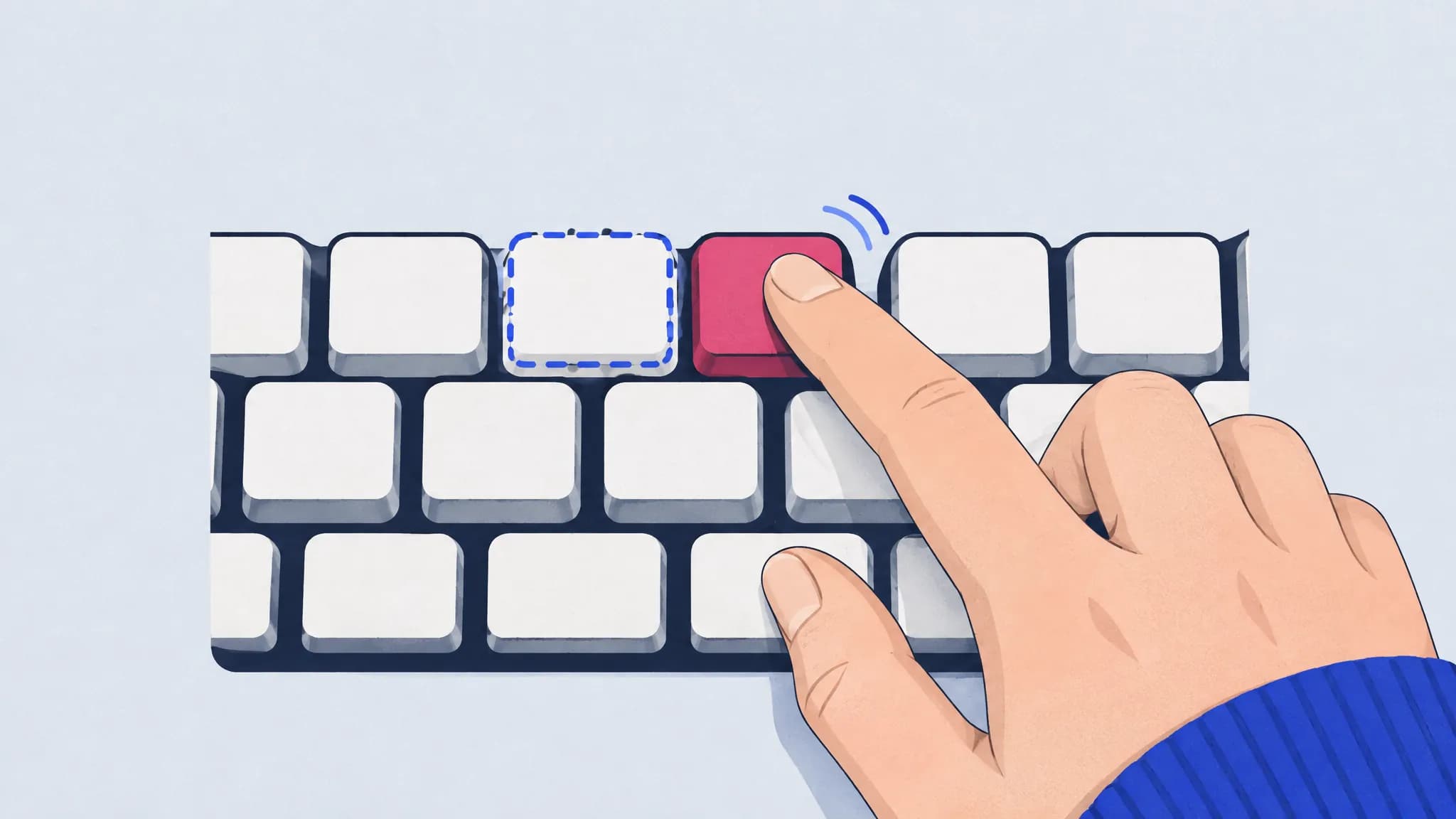
Other hand: you hit the same finger on the other hand
Typing D for K, or E for I, means you chose the right finger but the wrong hand moved first. Slow down on the words where it happens for a few rounds; it tends to clear up quickly.
Same finger: you hit the right finger’s other row
Typing E for D, or U for J, means the finger stretched to the wrong row. Practice that finger’s column on its own, up and back, until each reach lands where you mean it to.
Far apart: the keys are nowhere near each other
When the wrong key is far from the right one, it’s more likely a spelling or reading habit than a finger slip. Look at the words where it happens and type them slowly a few times.
Swapped letters: “teh” for “the”
Two letters in the wrong order means the second key landed before the first, often because one hand got ahead of the other. Slow down on those pairs and keep an even rhythm through them.
You can do all of this by hand by keeping a list of your typos. TypingPractice.ai does it for you: it logs every slip and sorts it into these kinds, and your habits page lists your common slips, swapped letters and the words you trip over most.
Should you fix mistakes as you go?
Fix them as soon as you notice, and don’t try to type through them. Our typing test counts only correct characters toward your speed, and an uncorrected mistake in real writing costs more to fix later.
You’ll often know before you see it. In a study by Logan and Crump (2010), typists’ fingers slowed down right after their real errors, even when the screen secretly corrected them, but not after errors the computer added. Part of your error detection runs on the feel of the keystrokes, so if a key felt wrong, trust it.
Keep a steady rhythm
Rushing through easy stretches and stalling on hard ones invites mistakes. Even timing is one of the marks of skilled typing: Salthouse (1984) found that skilled typists were more consistent in the time they took for the same keystroke. After each round, our rhythm chart shows the time before every keystroke, with slips marked, so bursts and stalls are easy to spot, and a replay shows where they happened.
Frequently asked questions
What is a good typing accuracy?
High 90s. In the 2018 study, the fastest typists pressed Backspace on about one keystroke in 30. As a rule of thumb, if your accuracy is below about 95%, slowing down will usually raise your speed.
Is it better to type fast or accurately?
Accurately first. Fast typists in the 2018 study made far fewer mistakes than slow ones, and fixing mistakes costs more time than typing a little slower. Once your mistakes are rare, speed tends to follow.
Why do I keep making the same typos?
Because most typos are habits: the same reach that lands a key off, the same hand that moves first, the same word you misspell. Find which key you aim for and which you hit, and practice that reach slowly until it’s clean.
Does looking at the keyboard make you more accurate?
Not reliably. In a motion-capture study, self-taught typists who looked at the keyboard twice as much as touch typists made about as few mistakes on normal sentences. Looking down mainly costs you speed and the ability to read ahead.
How is typing accuracy calculated?
Correct keystrokes divided by all keystrokes, as a percentage. On TypingPractice.ai, a mistake you fix still counts against your accuracy, and Backspace doesn’t count as a keystroke. Other tests may count only the errors left in the final text, which gives a higher number.
Sources
- Dhakal, Feit, Kristensson and Oulasvirta (2018). Observations on Typing from 136 Million Keystrokes. CHI 2018.
- Yamaguchi, Crump and Logan (2013). Speed–accuracy trade-off in skilled typewriting: decomposing the contributions of hierarchical control loops. Journal of Experimental Psychology: Human Perception and Performance 39(3).
- Logan and Crump (2010). Cognitive illusions of authorship reveal hierarchical error detection in skilled typists. Science 330(6004).
- Salthouse (1984). Effects of age and skill in typing. Journal of Experimental Psychology: General 113(3).
- Feit, Weir and Oulasvirta (2016). How We Type: Movement Strategies and Performance in Everyday Typing. CHI 2016.