Typing guides
Short answers to the questions people ask about typing, each backed by the research it cites: how fast is fast, how to get faster and more accurate, where your fingers go, and how to stop looking down.
Speed and accuracy
How fast is fast, and how to get faster without piling up mistakes.
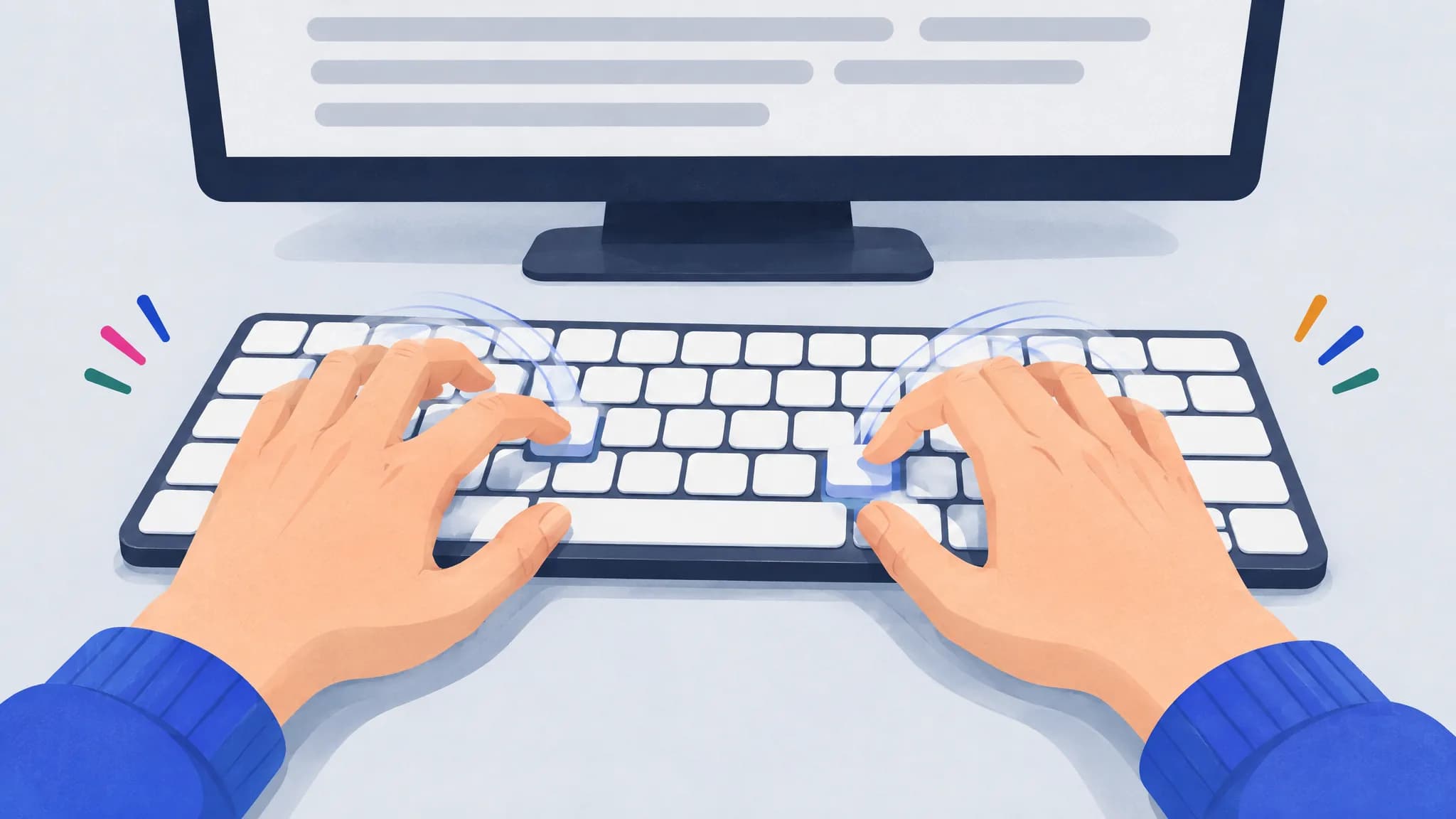
How to type faster: a practical plan
Cut mistakes first, then practice your slowest keys and key pairs a few minutes a day, read ahead and let keystrokes overlap. A plan based on research.
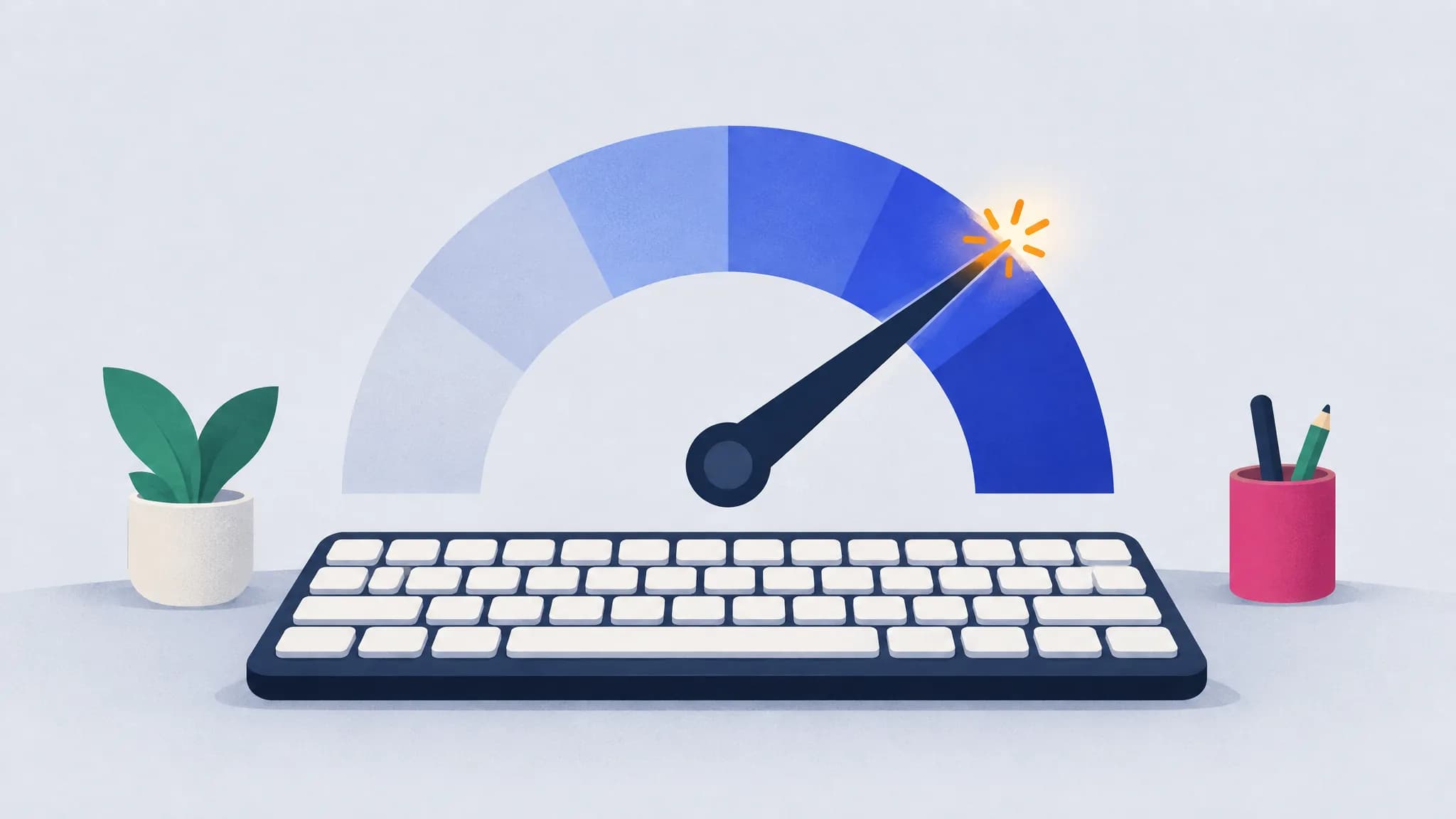
What is a good typing speed? Average WPM and percentiles
The average typist types about 52 WPM. 60 WPM beats about 68% of typists, 80 WPM puts you in the top 10%, and federal typing jobs ask for 40 WPM.
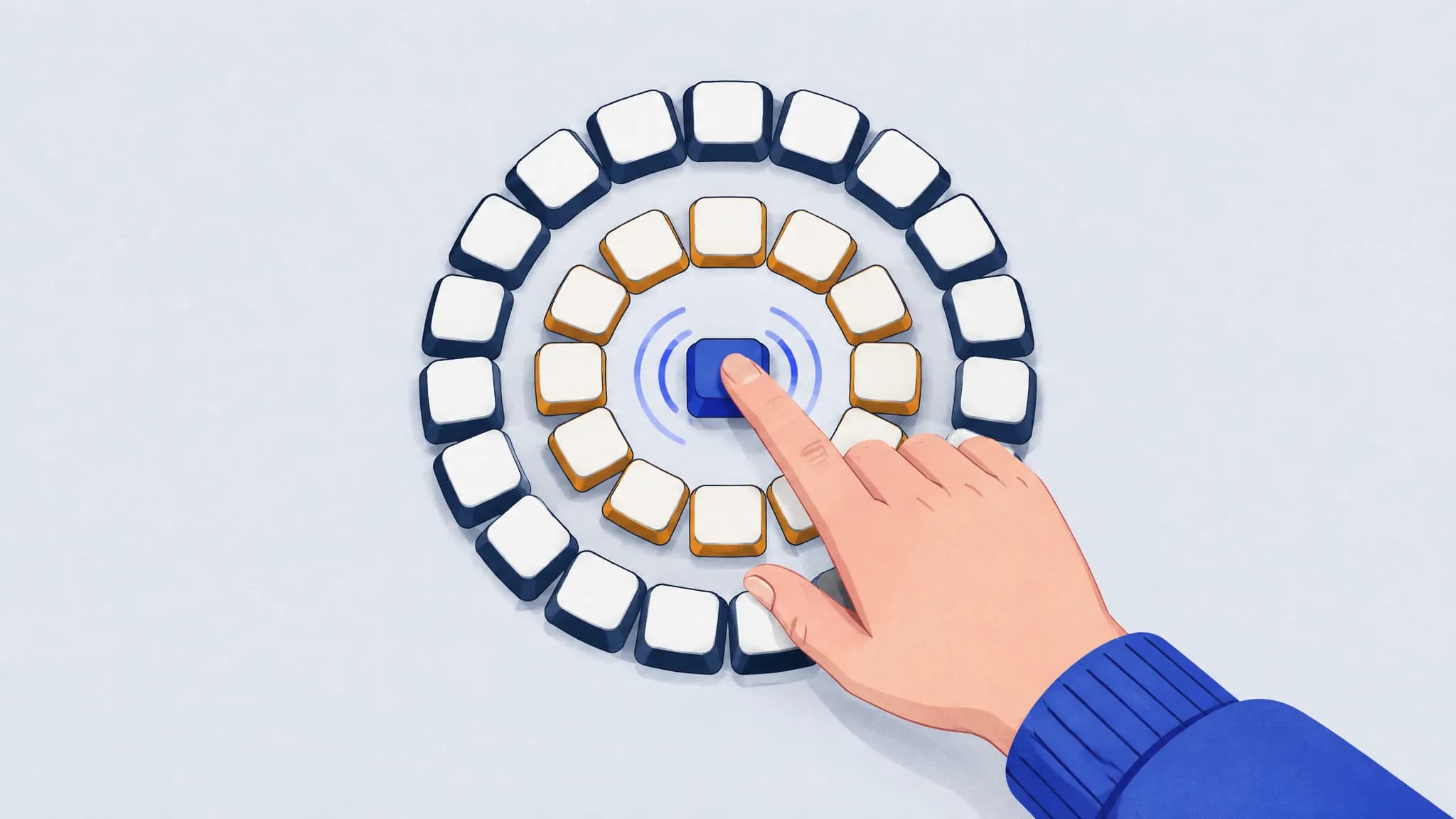
How to improve typing accuracy
Slow down until mistakes nearly stop, find the keys you miss and what you hit instead, and fix the reach behind each slip. You’ll usually get faster too.
Touch typing
Where your fingers go, how to stop looking down, and whether switching is worth it.
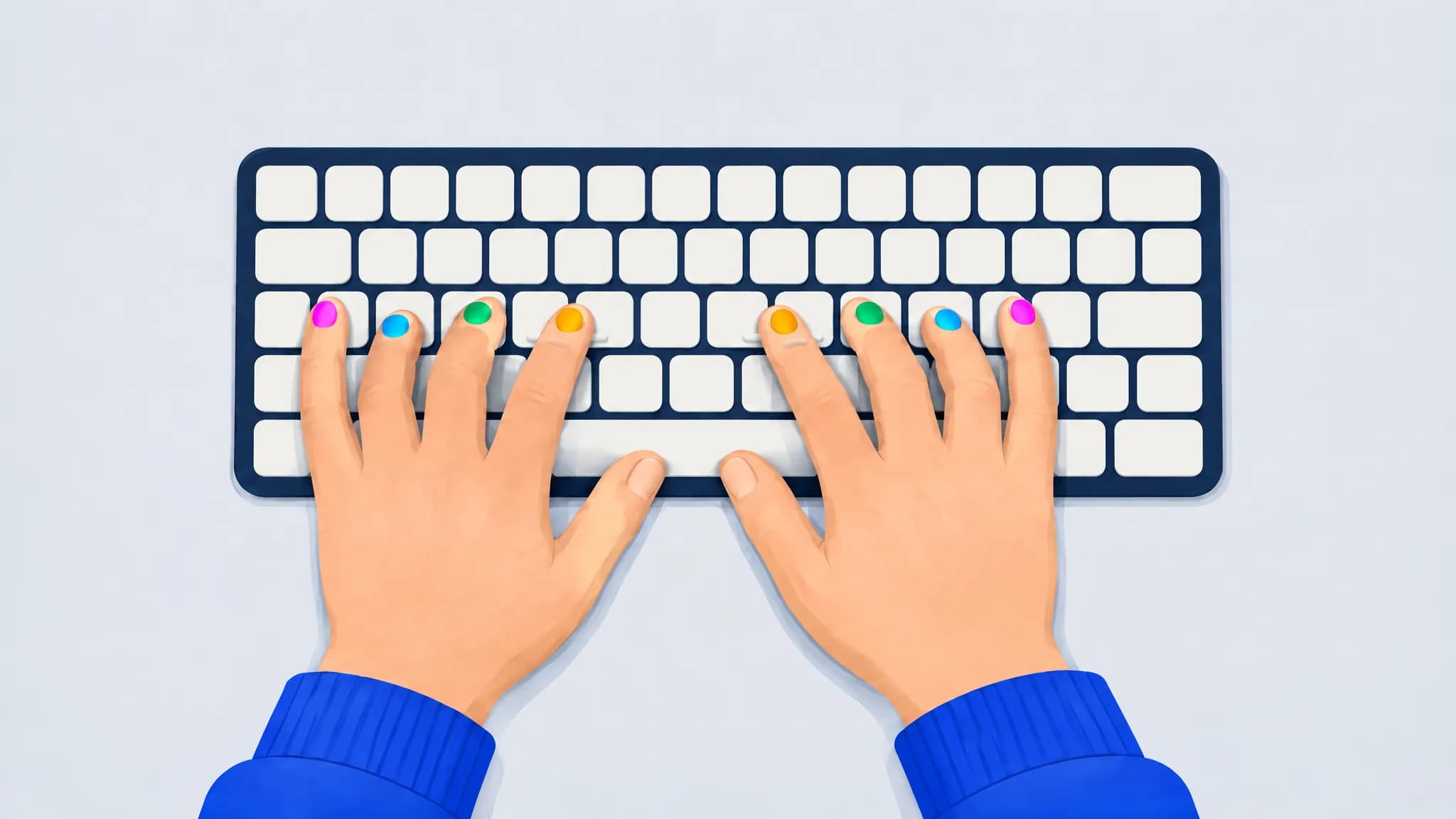
Touch typing finger placement: home row keys and a finger chart
Rest your left fingers on A S D F and your right fingers on J K L ;, thumbs on the space bar. Each finger covers the keys above and below its home key.
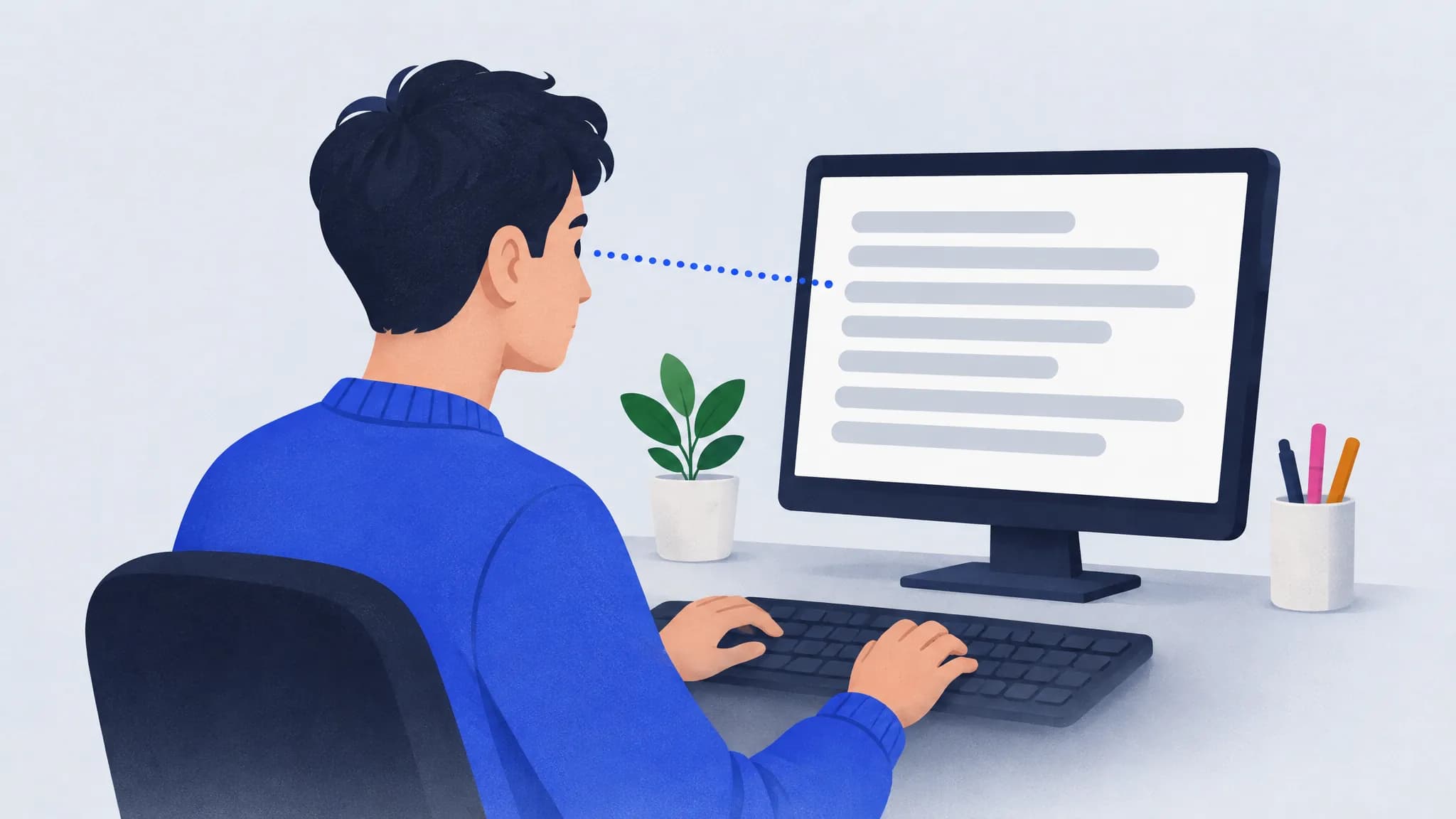
How to stop looking at the keyboard when you type
Anchor on the F and J bumps, keep your eyes on the text even when it slows you down, and fade any on-screen keyboard as you improve. Expect a short dip.
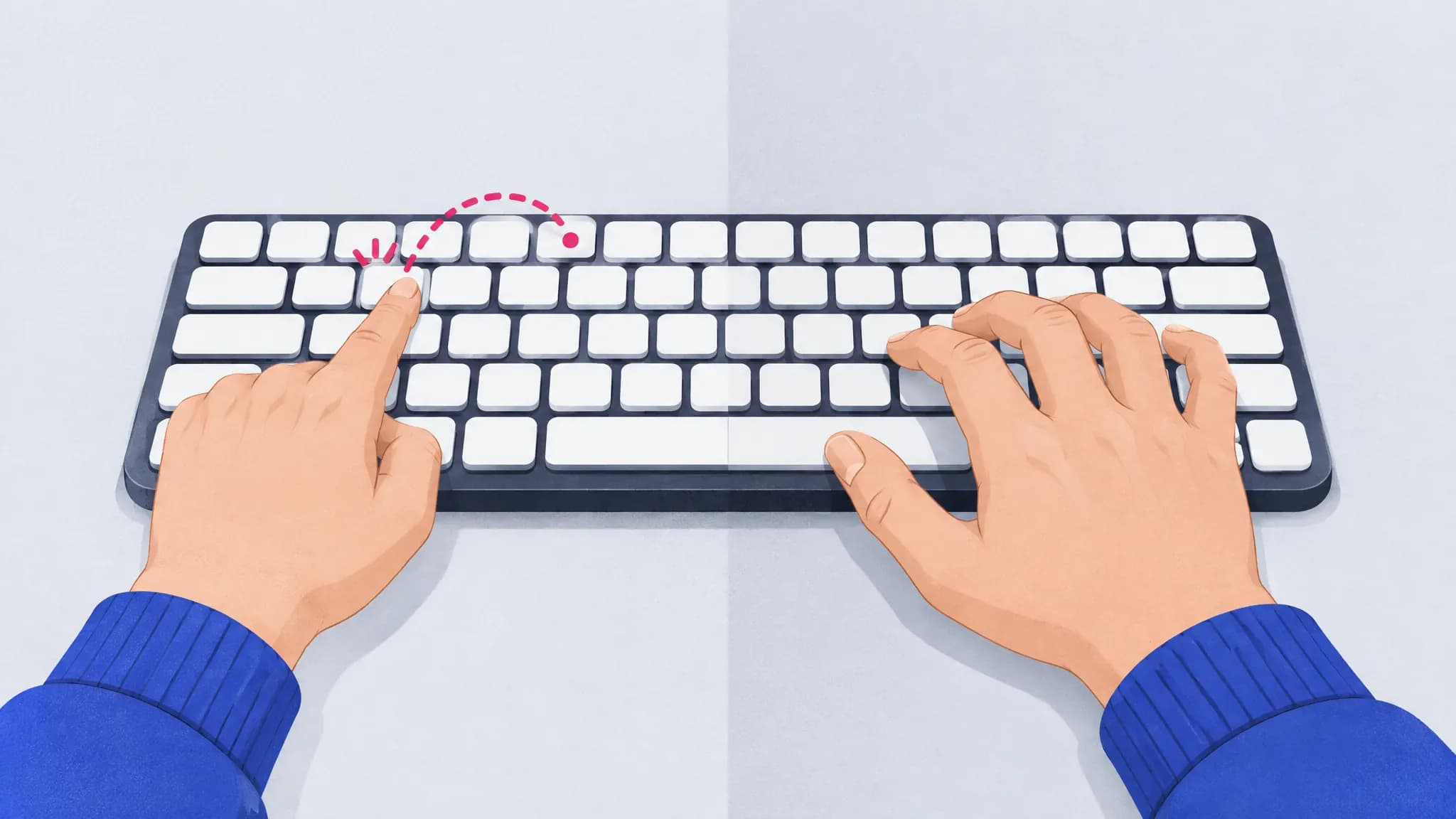
Two-finger typing vs touch typing: is it worth switching?
Self-taught typists using about six fingers can match touch typists for speed, but they look at their hands twice as long. Here’s when switching pays off.
For parents
When children are ready to learn, and how to keep it short and fun.