Touch typing
Two-finger typing vs touch typing: is it worth switching?
Not always. In a motion-capture study, self-taught typists using about six fingers typed as fast as trained touch typists but spent twice as long looking at their hands; what predicted speed was using the same finger for each key, preparing the next keystroke and keeping the hands still. Switching pays off if you look down for most keys, type for hours a day or have stopped improving, and it costs a few slow weeks.
On this page
Is touch typing faster than two-finger typing?
Not necessarily. Common advice says ten fingers always beat two, but the research is more interesting than that.
In a motion-capture study of 30 everyday typists, Feit, Weir and Oulasvirta at Aalto University filmed hands and tracked eyes while people typed. Trained touch typists averaged 57.8 words per minute (WPM) and self-taught typists 58.9: no meaningful difference. The self-taught group used 6.2 fingers on average against 8.5 for touch typists, and some people using only one or two fingers per hand reached speeds usually credited to touch typists. Fast typists turned up among almost every finger strategy the researchers found.
A much larger online study of 168,960 typists found a modest advantage for training. People who said they’d taken a typing course averaged 54.4 WPM, against 49.0 for those who hadn’t, a difference the authors call relatively small. More fingers also went with more speed on average: the fastest 10% reported using 8.4 fingers, the slowest 10% 5.3.
So the honest answer: trained typists are a little faster on average, but plenty of self-taught typists are just as fast. The authors of the larger study suggest the different groups of people in the two studies may explain why they don’t fully agree.
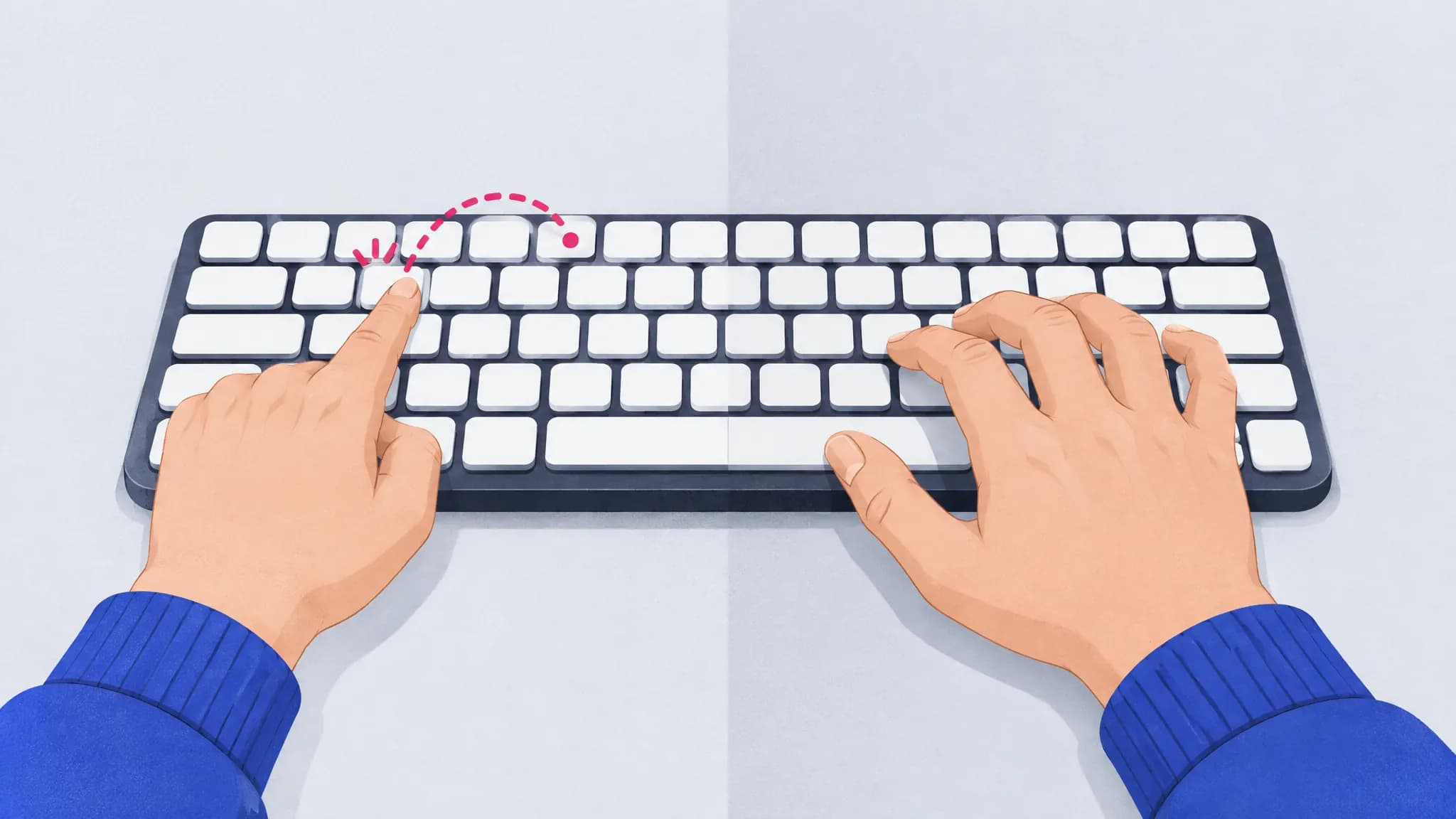
A note on words: “hunt and peck” usually means searching for each key by eye with one or two fingers. Most self-taught typists aren’t like that. They use more fingers and know roughly where the keys are, but they never learned a fixed finger for every key.
What makes a self-taught typist fast?
The motion-capture study found three habits that predicted speed, whatever the number of fingers:
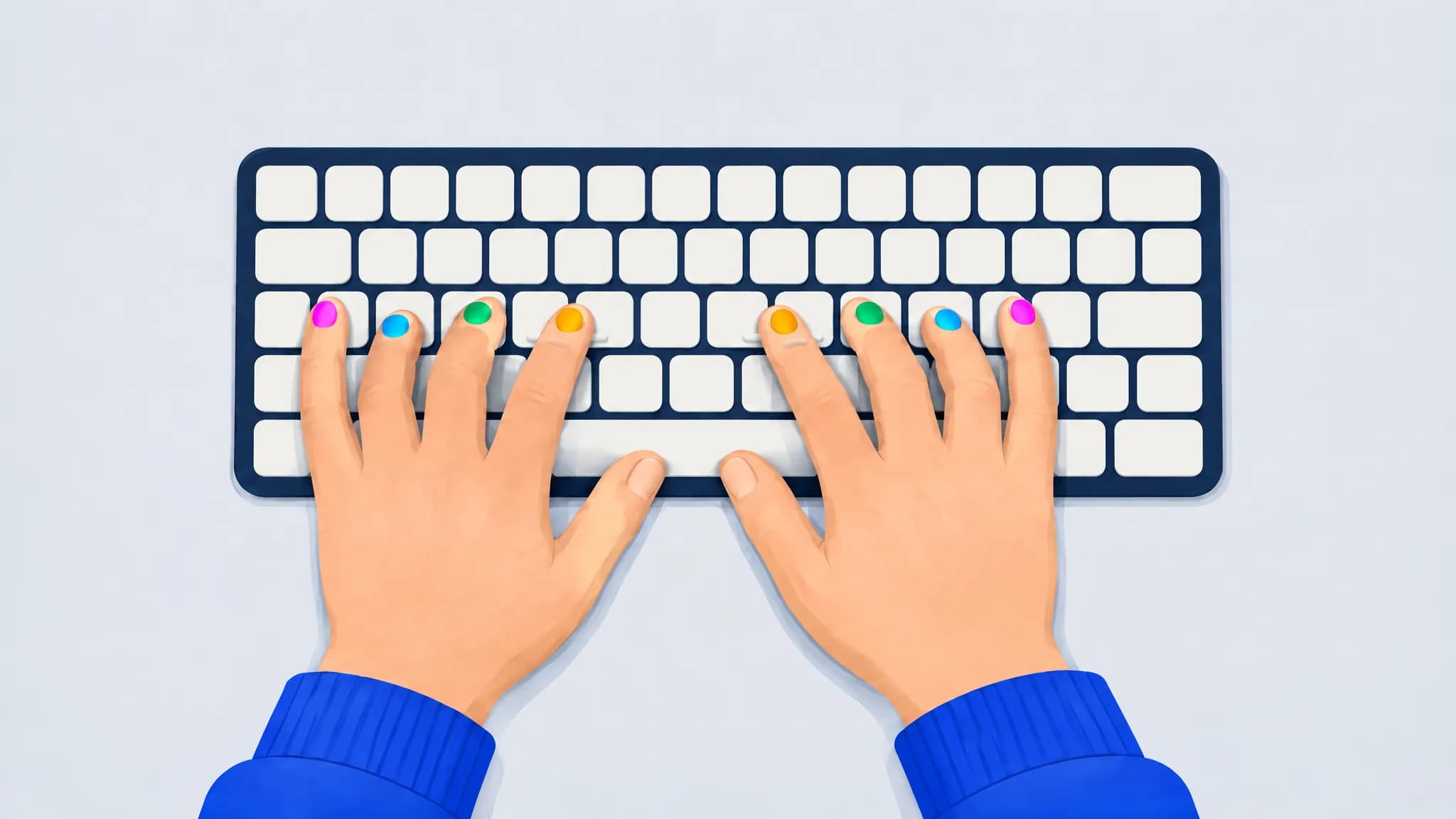
- One finger per key. Fast typists pressed a given key with the same finger every time. That removes a decision before every keystroke.
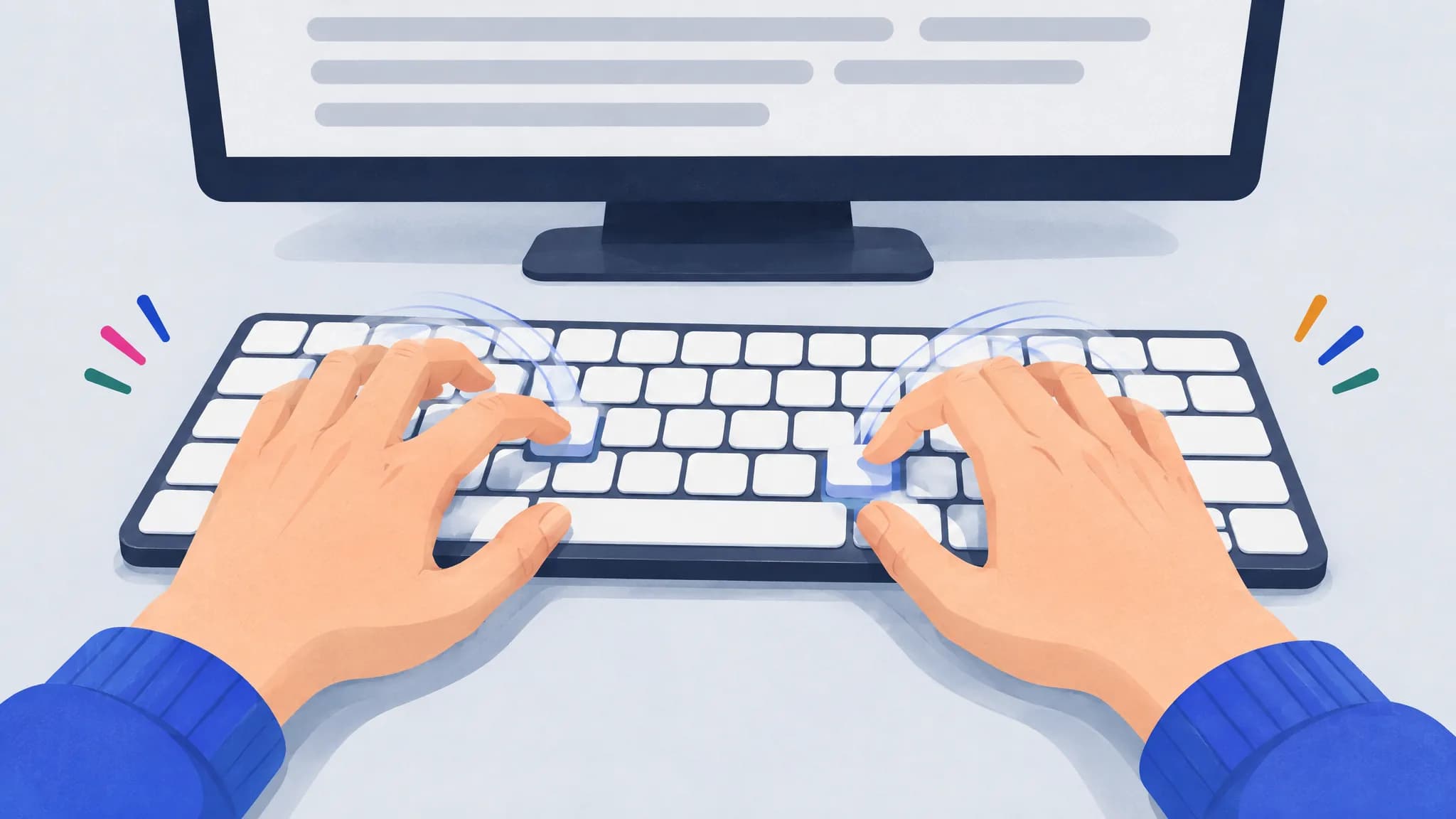
- Preparing the next keystroke. Their fingers moved toward the next key while the current one was still being typed.
- Still hands. Slower typists moved their whole hands around the keyboard; fast ones kept them in place and moved their fingers.
The researchers noted that these habits often grew out of daily use, like gaming, chatting or programming, rather than any course. The large online study found something similar about overlap: fast typists pressed the next key before releasing the last one on many of their keystrokes, whether or not they were touch typists and however many fingers they used.
Where does touch typing still win?
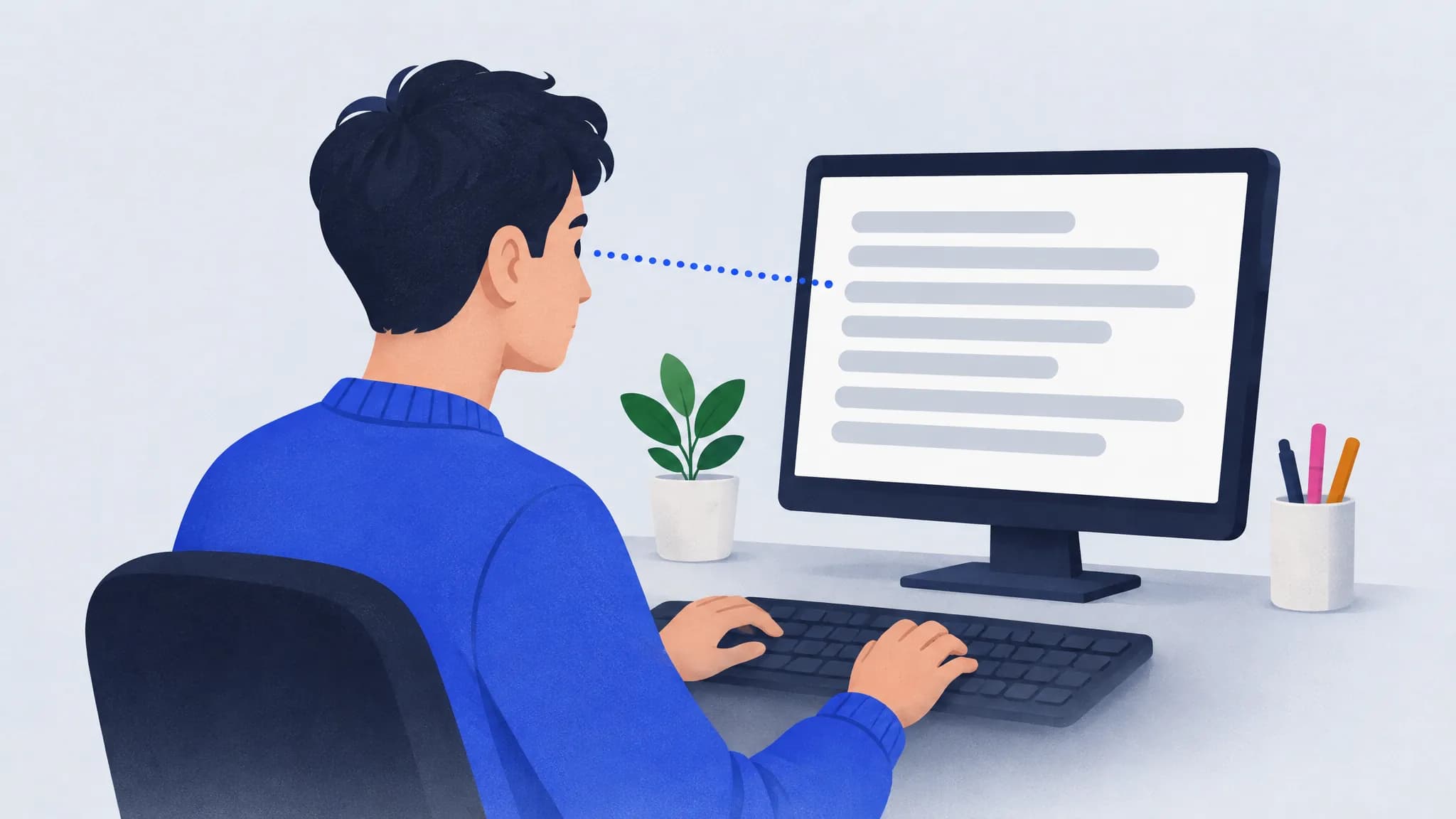
- Your eyes stay on the screen. Self-taught typists spent about 40% of their typing time looking at the keyboard, twice as much as touch typists (20%). The researchers note this may make self-taught methods worse for work that needs attention on the screen, like editing.
- Consistency comes built in. Touch typing gives every key exactly one finger, which is the first of the three habits above. Touch typists in the study were more consistent about which finger pressed which key.
- Practice with a goal. In a study of 60 university students, Keith and Ericsson (2007) found the fastest typists were those who had taken a typing class and also tried to type fast in their everyday typing. Experience helped too, but training plus intent went furthest.
What does switching cost?
Time, and some patience. When students in one touch-typing course started out, they typed a test text at about 20 words per minute while looking at the keys and about 8 without, according to Yechiam and colleagues (2003). Because looking pays off immediately, the students with the biggest head start from looking improved least once the course ended. The authors argue that the switch only sticks once touch typing becomes faster than looking on everyday text.

How long that takes depends on where you start. In a classic study of trainee typists, adults practicing an hour a day needed about 35 hours of practice to learn the whole keyboard. If you already type fast with your own method, plan for a few weeks where you’re slower than you’re used to.
Should you switch? A quick check
Switching is probably worth it if:
- you look at the keyboard for most keys;
- you type for hours a day, or often type while reading something else, like notes, code or a document you’re copying;
- your speed has stopped improving despite practice;
- you’re starting from scratch, or teaching a child, with no habits to unlearn.
Making your own method more consistent may be the better choice if:
- you’re already fast, say 60 WPM or more, which is faster than about 68% of typists, and you rarely look down;
- you can’t afford a few slow weeks right now.
How do you make your own method more consistent?
If you keep your style, borrow the three habits that make it fast:
- Give every key one finger and never change it. Our finger placement chart is a good default even if you use fewer fingers.
- Anchor your hands. Pick a resting position and return to it, so your fingers move and your hands don’t.
- Read ahead a word or two, so your fingers can prepare the next key.
- Practice your slowest key pairs. TypingPractice.ai finds the keys and key pairs that cost you the most, whichever fingers you use, and builds practice text around them.
Frequently asked questions
Is hunt and peck typing bad?
It’s slow if you search for every key by eye, and it keeps your eyes off the screen. But most self-taught typists aren’t really hunting: they use several fingers and know roughly where the keys are. If that’s you, making your finger use consistent can make you as fast as a touch typist.
Can you type fast with two fingers?
Some people can. In the motion-capture study, a few typists using only one or two fingers per hand reached speeds usually associated with touch typists. It’s less common, and self-taught typists as a group spent twice as long looking at the keyboard.
How long does it take to switch to touch typing?
Expect a few weeks of being slower than you’re used to, with short practice most days. In a classic study, adults learning a keyboard from scratch with an hour of practice a day needed about 35 hours to learn every key. If you already type, you know the layout; the work is breaking the habit of looking down.
Do I need to use all ten fingers?
No. Self-taught typists using about six fingers matched touch typists for speed in the motion-capture study. Using the same finger for each key, every time, mattered more than the number of fingers.
Is touch typing worth it for programmers?
We don’t know of a study that answers this for programmers specifically. The same trade-offs apply: code has more symbols and numbers, which reward a consistent finger for every key, and reading documentation or other code while typing rewards keeping your eyes on the screen.
Sources
- Feit, Weir and Oulasvirta (2016). How We Type: Movement Strategies and Performance in Everyday Typing. CHI 2016. Summary: Aalto University, “Ten fingers not needed for fast typing”.
- Dhakal, Feit, Kristensson and Oulasvirta (2018). Observations on Typing from 136 Million Keystrokes. CHI 2018.
- Keith and Ericsson (2007). A deliberate practice account of typing proficiency in everyday typists. Journal of Experimental Psychology: Applied 13(3).
- Yechiam, Erev, Yehene and Gopher (2003). Melioration and the transition from touch-typing training to everyday use. Human Factors 45(4).
- Baddeley and Longman (1978). The influence of length and frequency of training session on the rate of learning to type. Ergonomics 21(8).