Speed and accuracy
How to type faster: a practical plan
To type faster, make fewer mistakes first, then practice the specific keys and key pairs that slow you down, in short sessions most days. In a study of 168,960 typists, the fastest 10% pressed Backspace about a third as often as the slowest 10%, and most of them overlapped keystrokes, pressing the next key before letting go of the last, on 40–70% of keypresses.
On this page
What makes some typists faster than others?
The clearest answer comes from a 2018 study of 168,960 typists by researchers at Aalto University and the University of Cambridge. They compared the fastest 10%, who averaged 89.6 words per minute (WPM), with the slowest 10%, who averaged 20.9. The fast group differed in three ways:
- They made fewer mistakes. Fast typists pressed Backspace or Delete on 3.4% of their keystrokes. Slow typists did so on 9.1%.
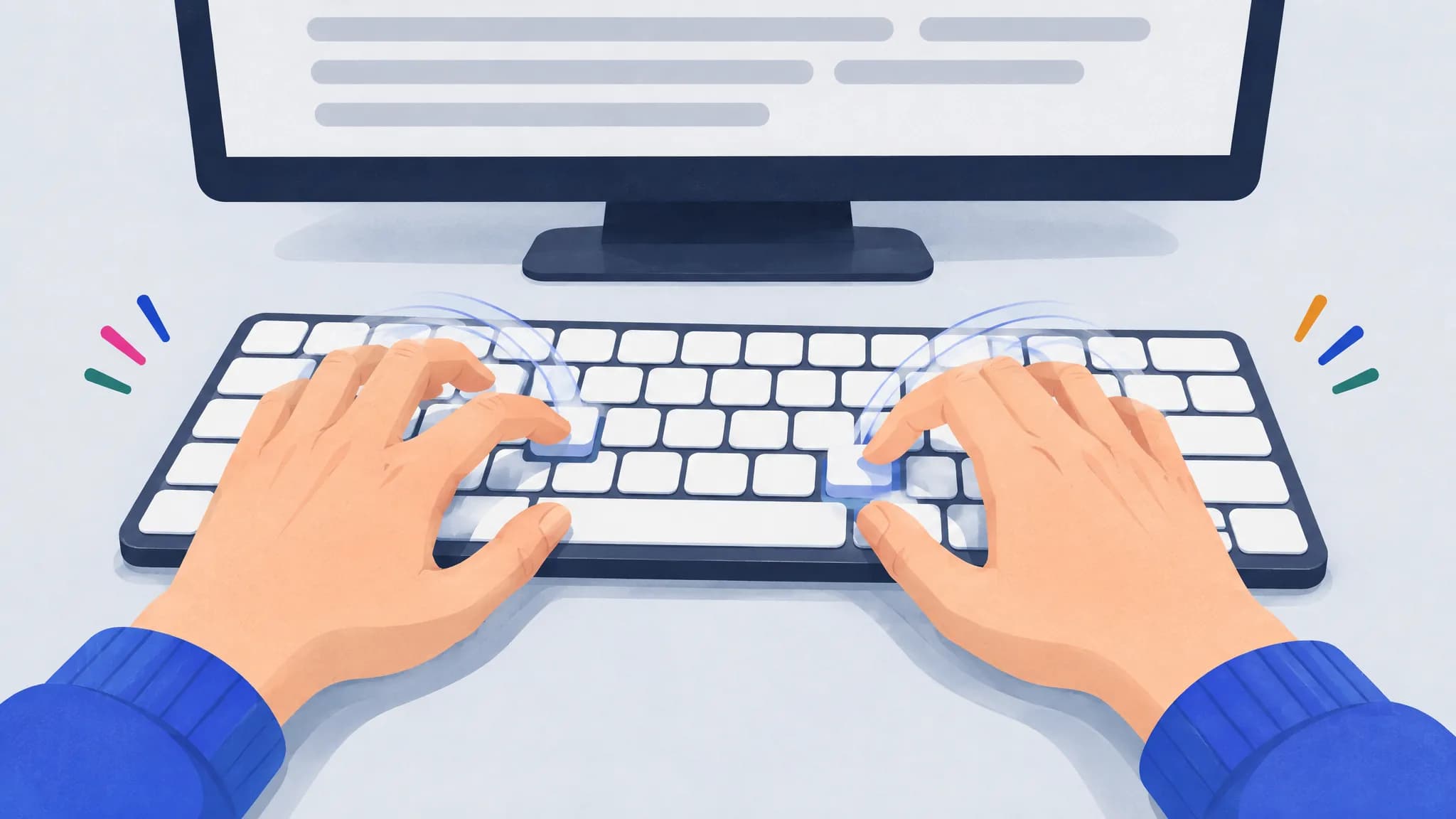
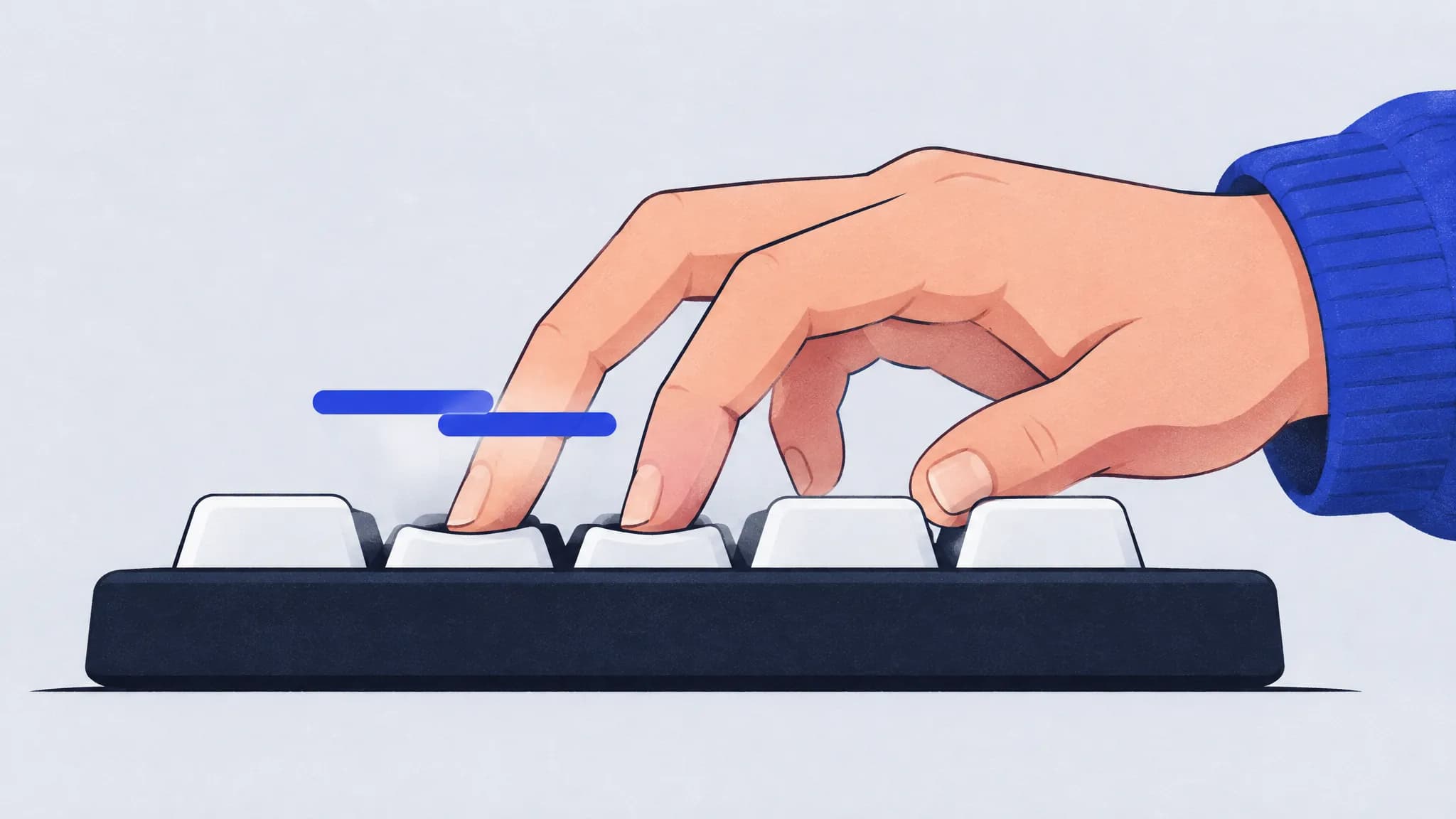
- Their keystrokes overlapped. Most fast typists pressed the next key before releasing the previous one on 40–70% of keystrokes, a habit called rollover. Slow typists almost never did, and rollover was one of the strongest predictors of speed in the whole study.
- They moved between keys quickly and evenly. Slow typists typed doubled letters like “ll” much faster than any other letter pair; pairs that needed two different fingers, or both hands, slowed them down. Fast typists were quick on all of them.
What didn’t differ much was the keypress itself: everyone held each key down for a similar, short time, 116 milliseconds on average. The speed is in the gaps between keystrokes.
A smaller lab study filmed typists’ hands with motion capture and found the same picture from another angle. Fast typists used the same finger for a given key every time, moved toward the next key before they needed it, and kept their hands still.
None of this is “move your fingers faster”. These are habits, and habits can be trained. Here’s a plan.
Step 1: Measure where you start
Take a one-minute typing test and write down two numbers: your words per minute and your accuracy. Take it two or three times and use the average, since single tests vary. Then check again once a week rather than every day, so you compare trends instead of good and bad days.
If you want to know how your number compares, see what counts as a good typing speed.
Step 2: Find the keys and key pairs that slow you down
Your speed isn’t the same on every key. Most people have a few keys they reach for slowly and a few transitions that trip them up, often two letters typed with the same finger, like “ed” or “un”, or a stretch across rows like “br”. The 2018 study found that pairs typed with different fingers or hands told fast and slow typists apart far better than doubled letters did.
General practice spends most of its time on keys you already type well. Targeted practice spends it where the time goes. To find your weak spots:
- With a tool: TypingPractice.ai times every keystroke. After a 30-word baseline and a 40-word calibration round, it compares each key and key pair with your own average and shows the slowest ones. Practice rounds then put them into about two words in three.
- By hand: type a paragraph you didn’t write, slowly, and mark every spot where you hesitate or slip. The same letters will keep coming up.
Step 3: Slow down until the mistakes stop
This feels backwards, but it works. In the 2018 data, from about 30 WPM upward, the typists who made and corrected fewer errors were faster, and the authors note that cutting errors by a small margin can bring a large gain in speed. Every mistake costs the wrong keystroke, the Backspace and the retyped letter, plus the moment it takes to notice.
So find the speed at which your mistakes nearly stop, practice there, and let speed come back on its own. If your accuracy is below about 95%, this step will likely do more for you than anything else in this plan. Our guide to typing accuracy covers how to find and fix the mistakes you repeat.
Step 4: Practice a little, most days
Short, regular sessions beat long, occasional ones. In a classic study, Baddeley and Longman (1978) taught postal workers to type on a keyboard with four schedules. The group that practiced one hour a day learned the whole keyboard in about 35 hours of practice on average. The group that did two 2-hour sessions a day needed about 50 hours, and after 60 hours of training the one-hour group was faster and more accurate than the four-hour group was after 80. Yet the trainees’ own ratings favored the crammed schedule, which is a good reason not to judge practice by how it feels.
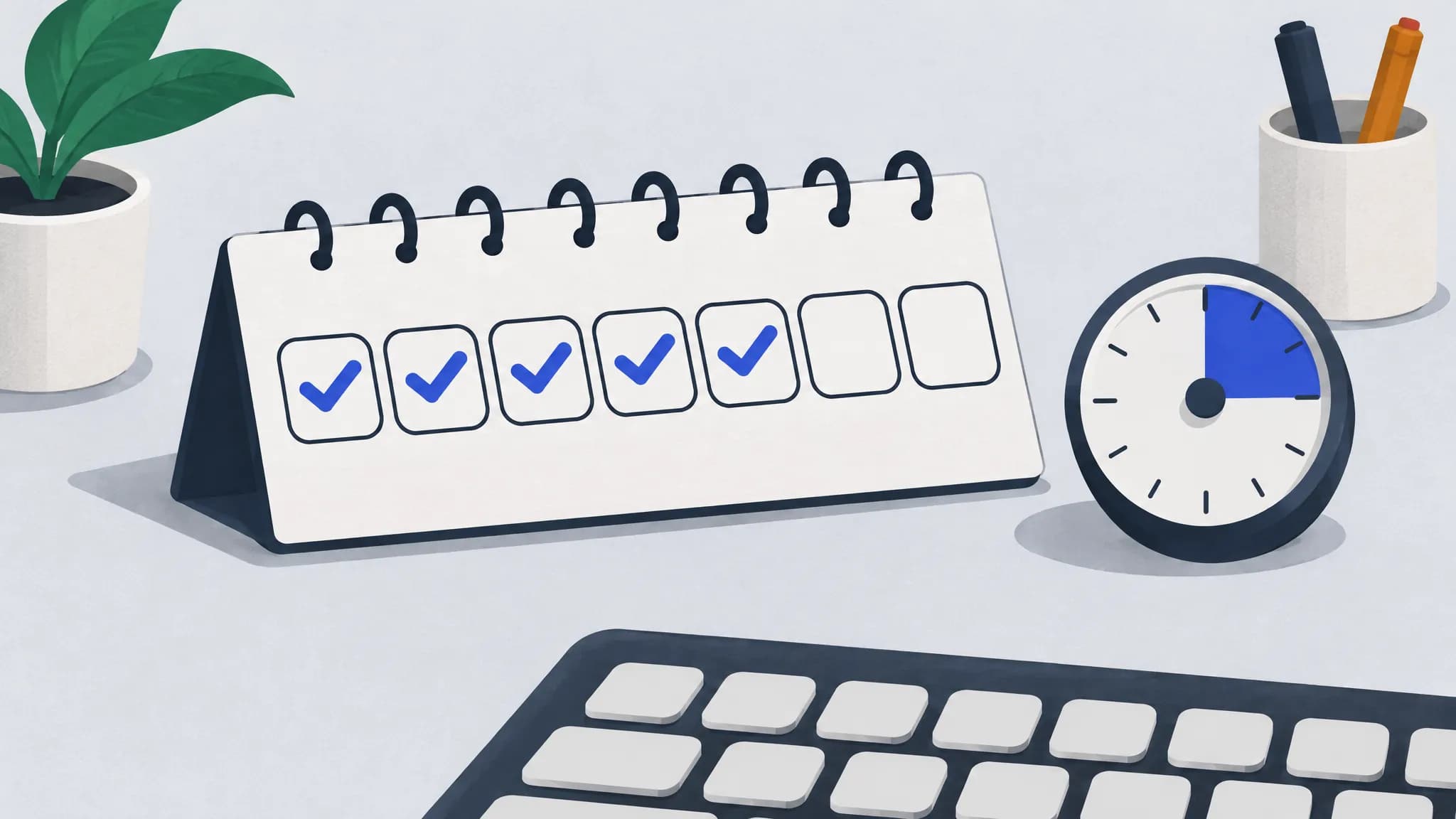
For most people, 10 to 15 focused minutes a day is a sustainable start. A daily goal helps it stick: TypingPractice.ai lets you set one of 3, 5 or 10 rounds a day, keeps a streak, and offers a daily tune-up, one round with your weakest keys in nearly every word.
Step 5: Read ahead and let your keys overlap
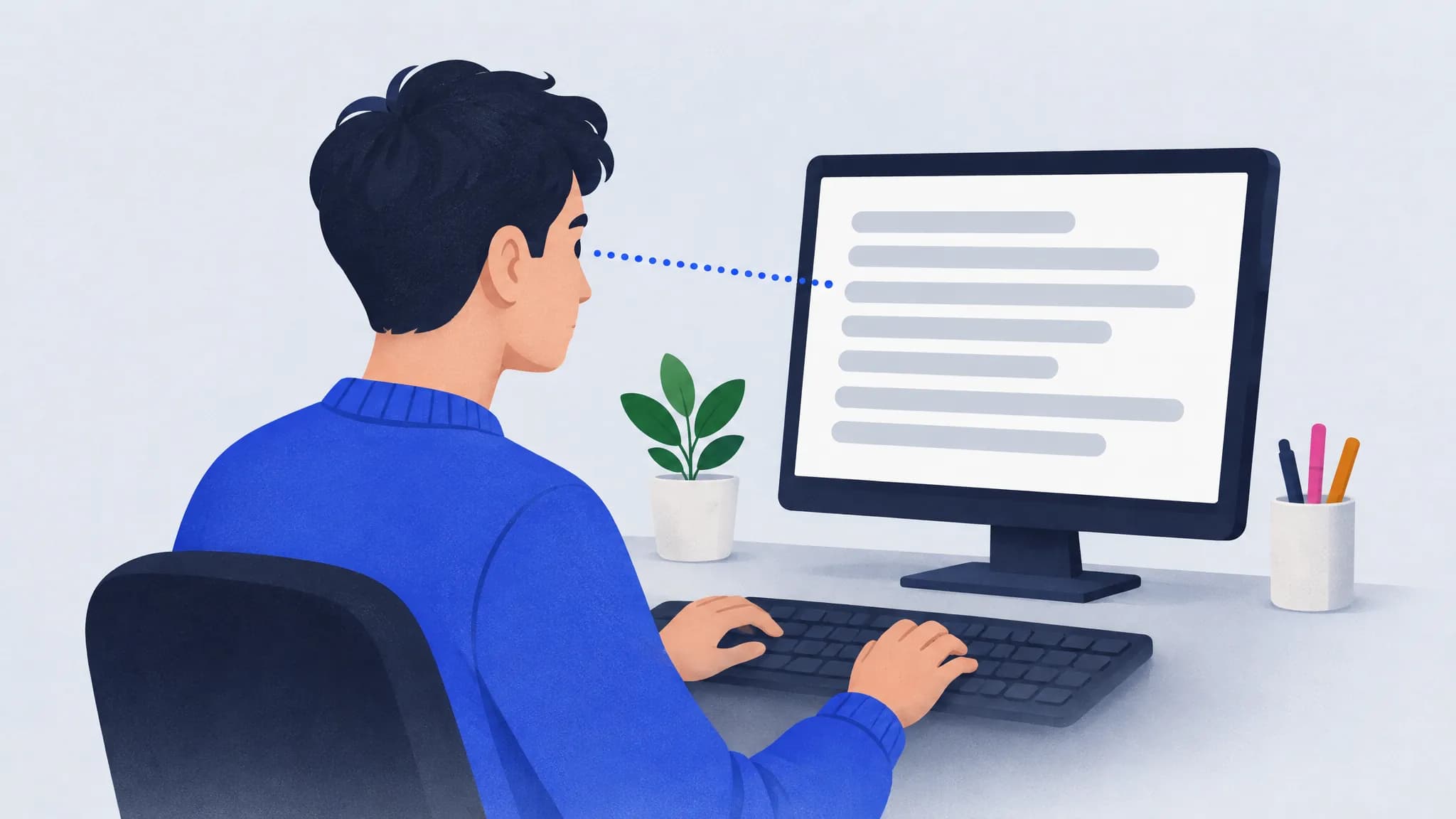
Skilled typists read ahead of the letter they’re typing. Research going back decades, summarized by Keith and Ericsson (2007), found that when experienced typists can’t see the upcoming text, their advantage over beginners almost disappears. Looking ahead is what lets your fingers prepare the next keystroke, and preparing the next keystroke is what makes rollover possible.
A few ways to train it:
- Keep your eyes a word or two ahead of where you’re typing, not on the letter under the cursor.
- Don’t wait for a finger to lift before the next one starts moving. Rollover isn’t something to force; it tends to come once you stop typing one letter at a time.
- Watch your rhythm. Even timing between keys is a mark of skill: Salthouse (1984) found skilled typists were more consistent in their timing and overlapped successive keystrokes more. After each round, the rhythm chart on TypingPractice.ai shows the milliseconds before every keystroke, so pauses stand out as tall bars, and a replay lets you watch where they happened.
Step 6: Use the same finger for each key
You don’t have to use all ten fingers, but you do have to be consistent. In the motion-capture study, self-taught typists who always used the same finger for the same key typed as fast as trained touch typists. Switching fingers from one time to the next means choosing a finger before every keystroke, and that costs time.
The touch typing system is the easy way to get that consistency, since it gives every key exactly one finger. See our finger placement guide for the chart, and two-finger typing vs touch typing if you’re deciding whether to switch.
What about typing faster on a phone?
Phone typing is a different skill. A study of 37,370 people typing on mobile devices found an average of 36.2 WPM, and three things went with faster typing:
- Two thumbs. Over 74% of people typed with both thumbs, which was significantly faster than one thumb or a single finger.
- Autocorrect on. People who used autocorrection typed faster.
- Fewer tapped suggestions. People who stopped to pick words from the suggestion bar typed slower.
Frequently asked questions
How long does it take to type faster?
It depends on where you start, and it takes weeks rather than days. In the 1978 study, adults learning a keyboard from scratch needed about 35 hours of daily one-hour sessions just to learn every key. If you already type, gains from targeted practice come gradually, so compare weekly tests rather than single days.
Is 60 WPM fast?
It’s above average. 60 WPM is faster than about 68% of the typists in the 2018 study, whose average was 51.6 WPM. See what is a good typing speed for the full table.
Do I need to learn touch typing to type faster?
Not necessarily. In the motion-capture study, self-taught typists using about six fingers matched trained touch typists for speed. What mattered was using the same finger for each key, preparing the next keystroke and keeping the hands still. Touch typing is a reliable way to build those habits, and it keeps your eyes on the screen.
Will a better keyboard make me type faster?
Probably not by much. In the 2018 study, the time a key was held down was about the same for fast and slow typists; the difference was in the time between keys, which comes from technique. A keyboard you find comfortable is worth having, but practice will do more.
Should I practice with real words or random letters?
Mostly real words. Typing real words is the skill you use every day, and in one lab study, typing random letter strings cut people’s speed by about half. The most useful practice is real words that happen to contain your weak keys and key pairs.
Sources
- Dhakal, Feit, Kristensson and Oulasvirta (2018). Observations on Typing from 136 Million Keystrokes. CHI 2018.
- Feit, Weir and Oulasvirta (2016). How We Type: Movement Strategies and Performance in Everyday Typing. CHI 2016.
- Baddeley and Longman (1978). The influence of length and frequency of training session on the rate of learning to type. Ergonomics 21(8).
- Keith and Ericsson (2007). A deliberate practice account of typing proficiency in everyday typists. Journal of Experimental Psychology: Applied 13(3).
- Salthouse (1984). Effects of age and skill in typing. Journal of Experimental Psychology: General 113(3).
- Palin, Feit, Kim, Kristensson and Oulasvirta (2019). How do People Type on Mobile Devices? Observations from a Study with 37,000 Volunteers. MobileHCI 2019.