Touch typing
How to stop looking at the keyboard when you type
Anchor your index fingers on the bumps on F and J, keep your eyes on the text even when that makes you slower at first, and fade any visual help, like an on-screen keyboard, as you improve. Expect a temporary slowdown: looking at the keys is faster in the short run, which is exactly why the habit is so hard to break.
On this page
Why is it so hard to stop looking?
Because looking works, at first. In a touch-typing course studied by Yechiam, Erev, Yehene and Gopher (2003), students typed a short test text at about 20 words per minute while looking at the keys, but only about 8 without looking. Every peek is rewarded with speed. The researchers call this melioration: people pick whatever pays off right now, even when another strategy would pay off more later. In their study, the students who had the biggest head start from looking improved least once the course ended, apparently because they slipped back into it.
Most people who never learned touch typing look down a lot. In a motion-capture and eye-tracking study, self-taught typists spent about 40% of their typing time looking at the keyboard, twice as much as touch typists (20%).
Looking down has costs you don’t notice in a speed test:
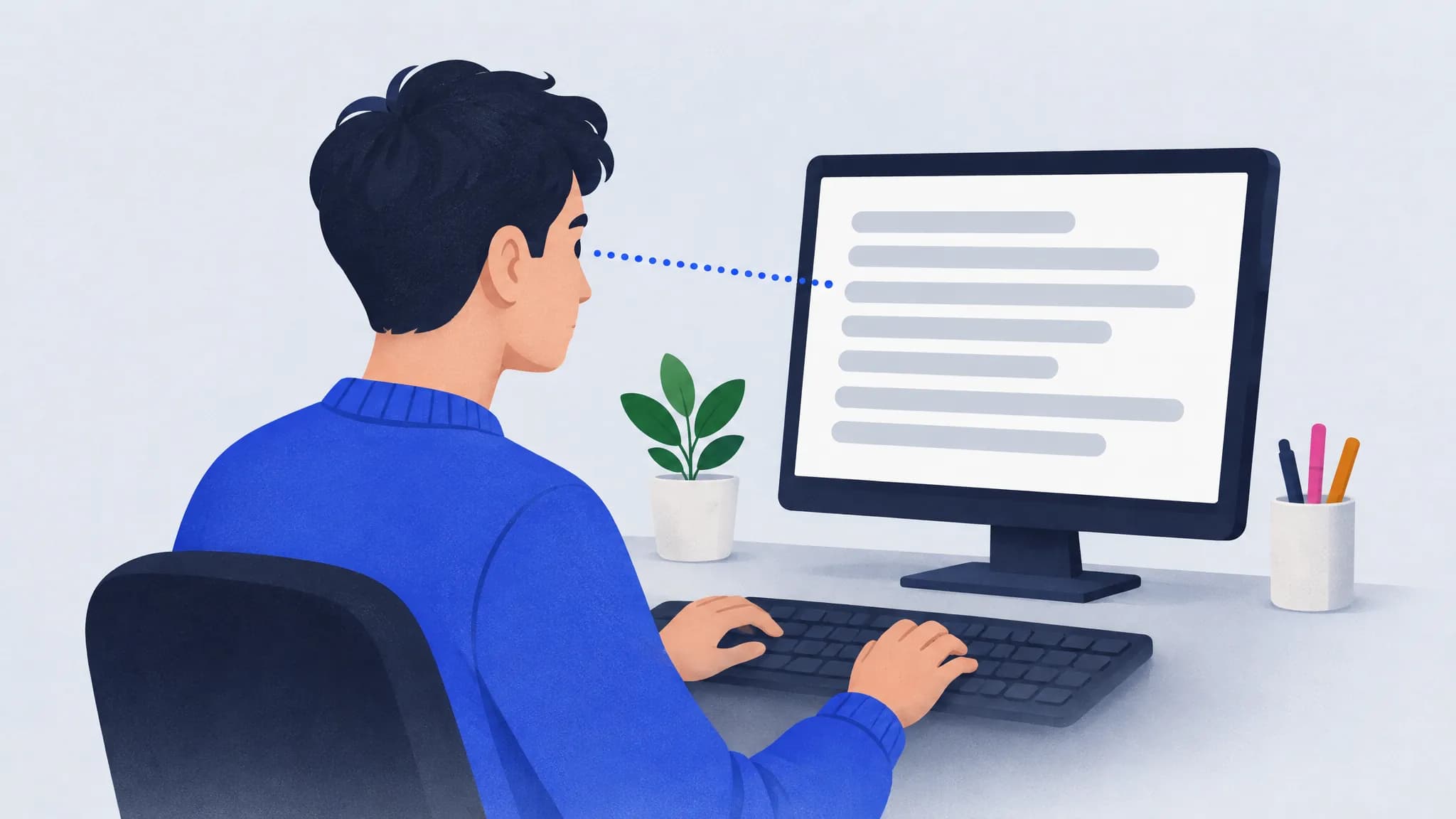
- You can’t read ahead. Skilled typists keep their eyes ahead of their fingers, and when they can’t see the upcoming text, most of their advantage over beginners disappears.
- You catch mistakes later. Errors show up on the screen, not on the keys.
- It’s harder to work on the text itself. The motion-capture researchers note that typists who rely on looking may do worse at tasks that need attention on the screen, like editing.
The good news is that the habit can change. Here’s how.
Step 1: Learn the home row by feel
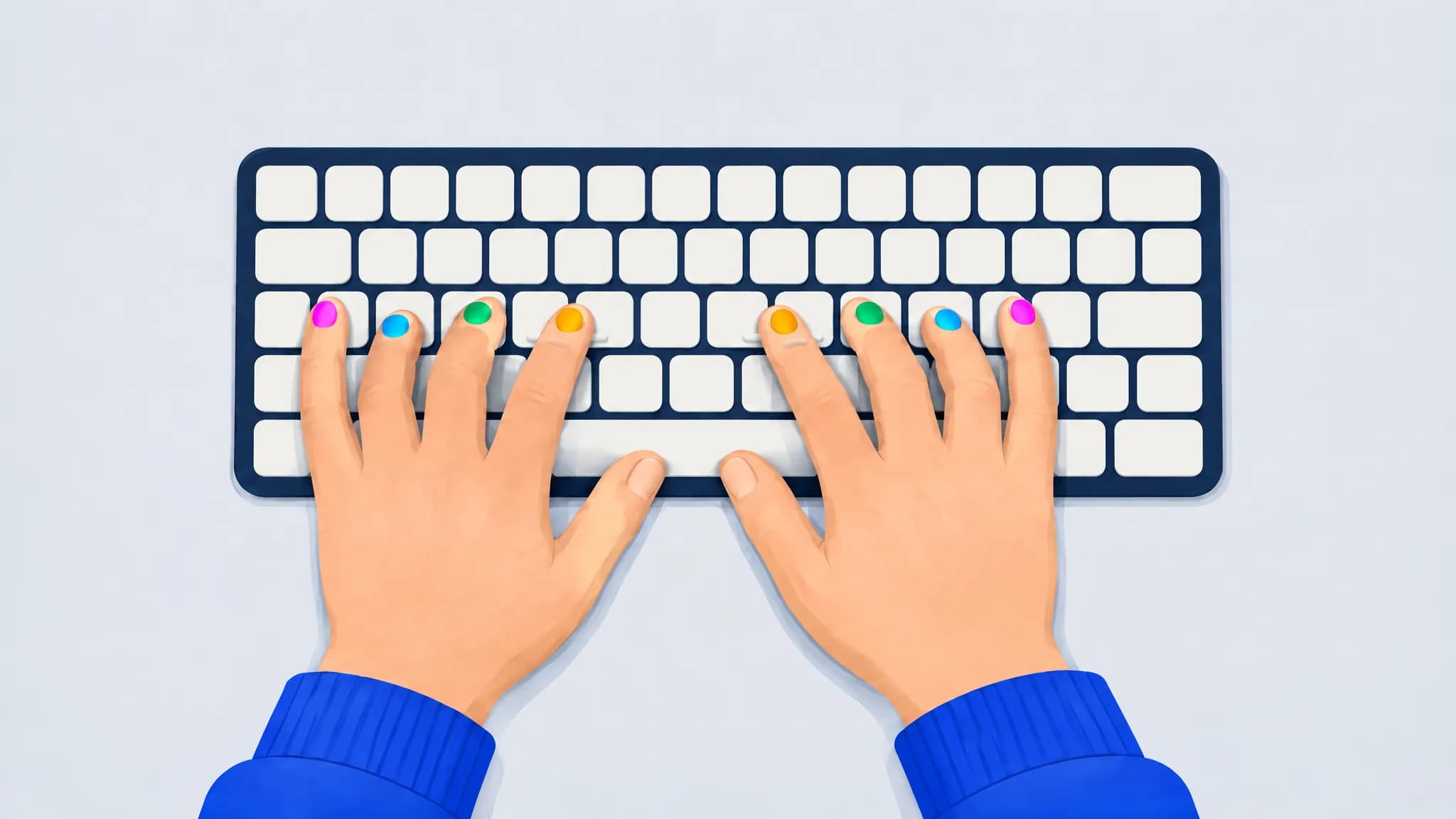
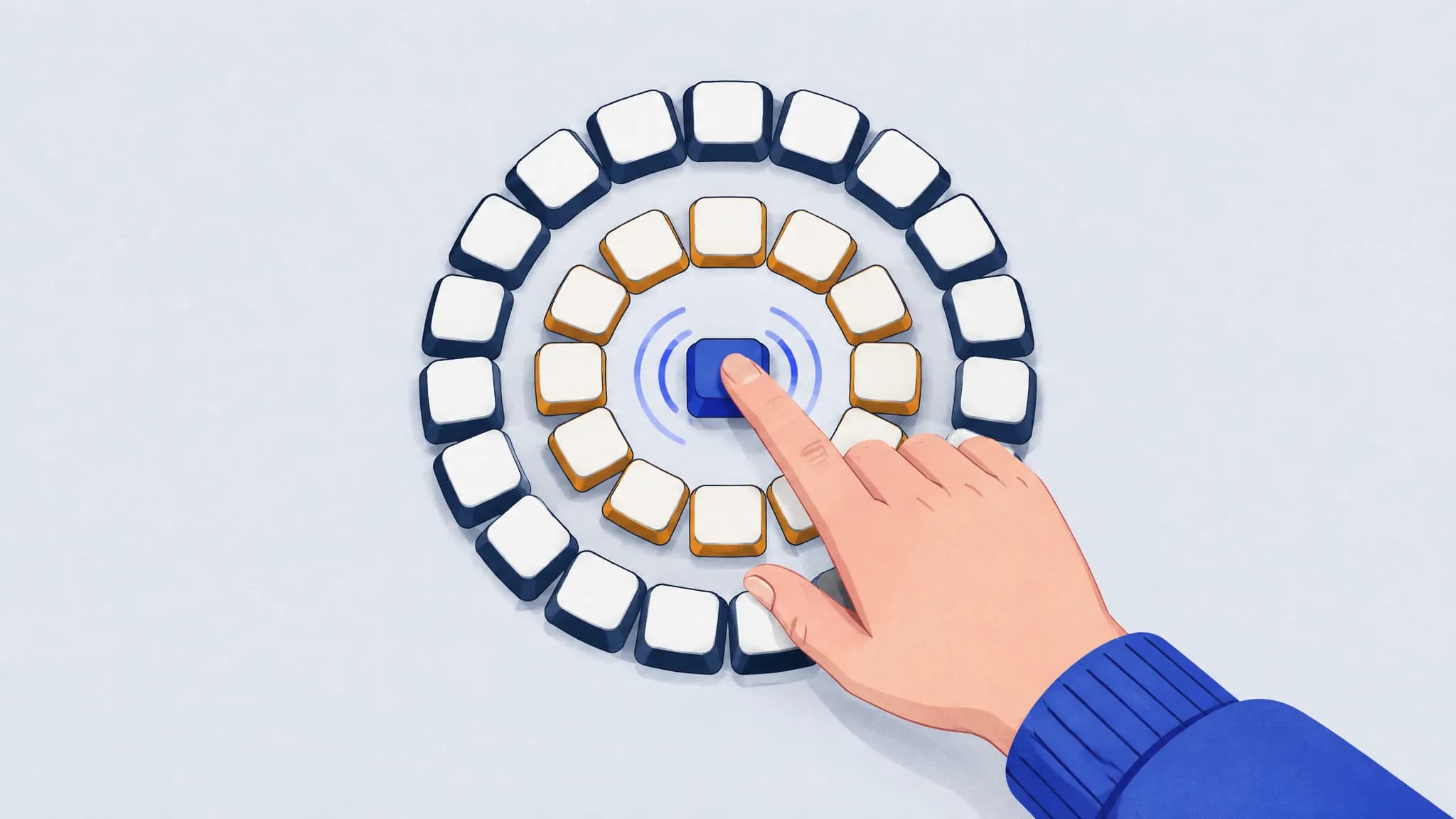
Rest your left fingers on A S D F and your right fingers on J K L ;, with your thumbs on the space bar. Most keyboards have a small bump on F and J: feel for those two and every other finger lands where it should.
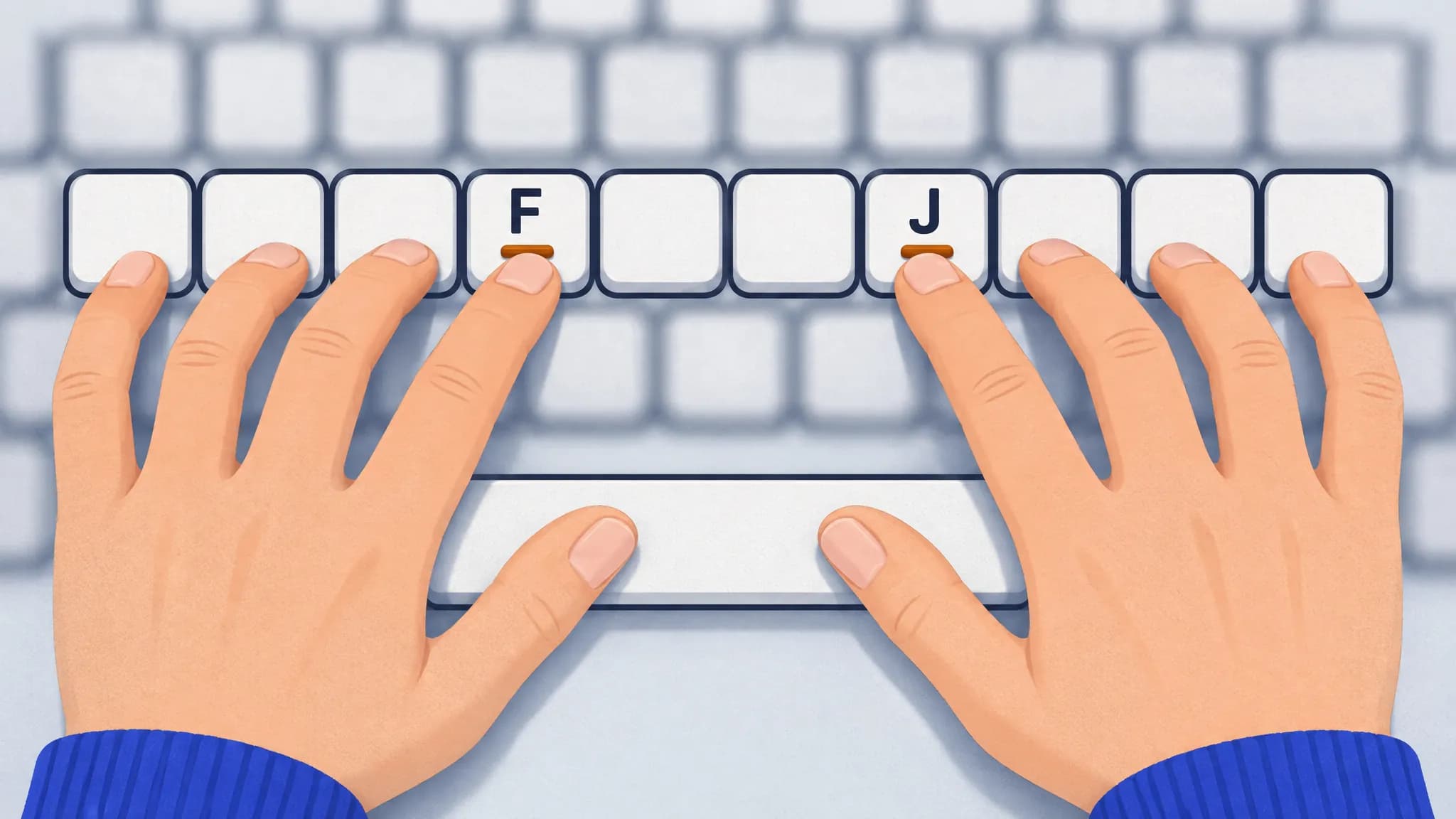
Every key you type is a short reach from one of those eight keys, and your finger comes back home afterward. Learn which finger owns which keys from our finger placement chart. When you lose your place, don’t look down: feel for the bumps and start again from home.
Step 2: Keep your eyes on the text, even when it’s slower
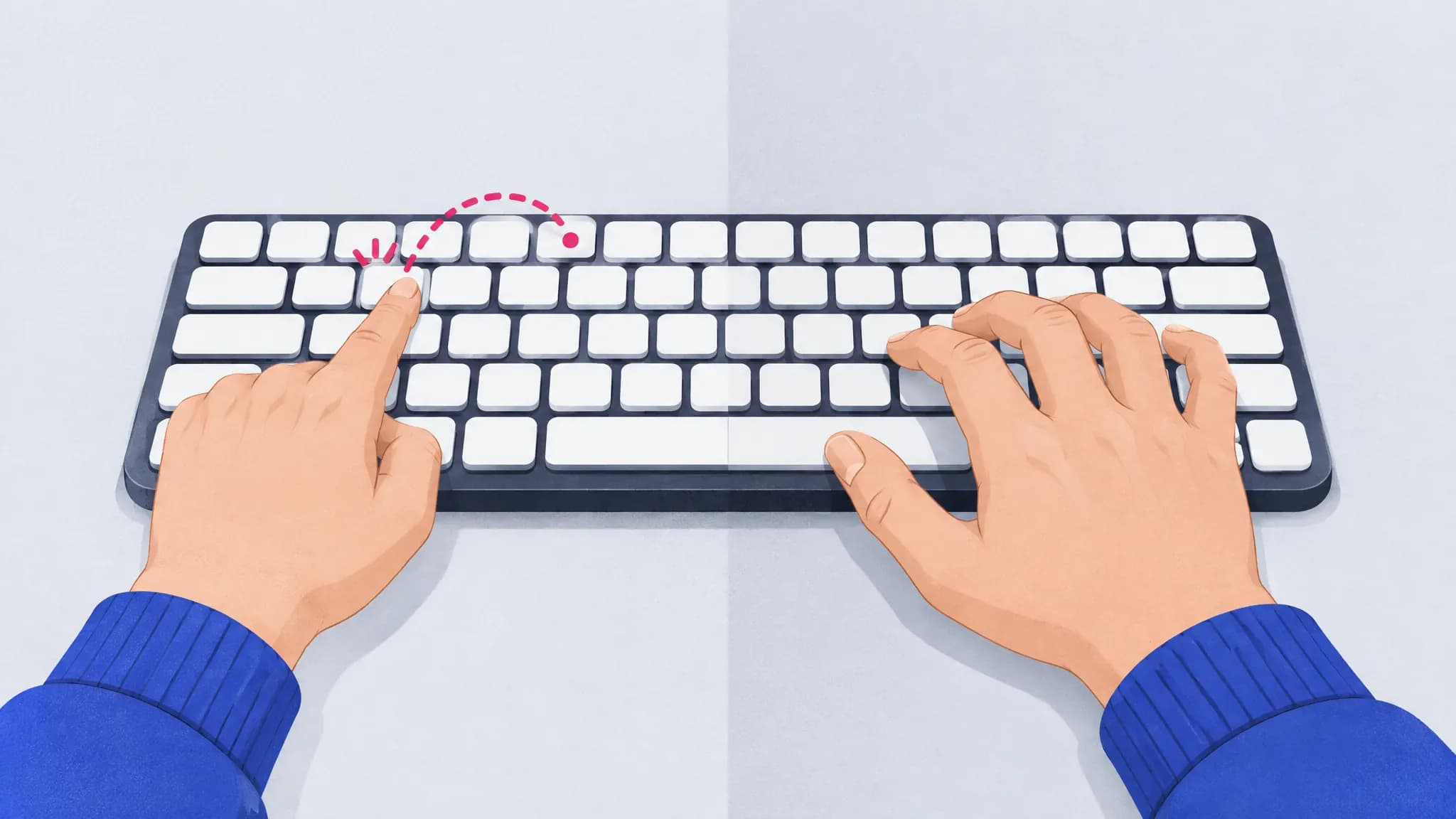
This is the hard part, and the most important one. Decide that for one round, or one paragraph, you won’t look down at all, then do it again the next day. When you can’t find a key:
- go back to the home row by feel;
- reach for the key the way the chart says;
- if you still can’t find it, look at a chart on the screen, not at your hands.
Some people cover their hands with a light cloth or use a keyboard with blank keycaps. The researchers above note that hiding the keys removes the choice altogether. It’s a blunt tool, but it works if willpower doesn’t.
Yechiam’s team tried a gentler version: while students typed their homework, small squares appeared on the screen and had to be acknowledged, so looking down had a cost. That group’s touch-typing scores ended 25% higher than those of a group without the squares, and 30% higher two weeks later, though the gap faded on a test with unfamiliar text. Anything that keeps your eyes up, even a reason to glance at the screen, helps the new habit win.
Step 3: Slow down to a speed you can hold without peeking
You will be slower for a while. That’s the price of the switch, not a sign it isn’t working. Type at a pace where you can find most keys by feel and make few mistakes, and let speed come back as the reaches become automatic. The study’s authors argue that the switch only sticks once touch typing becomes faster than looking on everyday text, so keep going past the dip rather than judging it in the first week.
Accuracy is a better guide than speed here. If you make a mistake on most lines, slow down further. Our guide to typing accuracy has more on finding a pace that works.
Step 4: Fade the on-screen keyboard
An on-screen keyboard that shows the next key is a great way to learn the layout, and a trap if you keep it forever. Motor-learning research has a name for this, the guidance hypothesis: help that’s always there makes practice easier but can leave you depending on it. Salmoni, Schmidt and Walter (1984) proposed it after reviewing decades of studies, and in a later experiment, Winstein and Schmidt (1990) found that people who got feedback less often during practice remembered a movement skill better afterward.
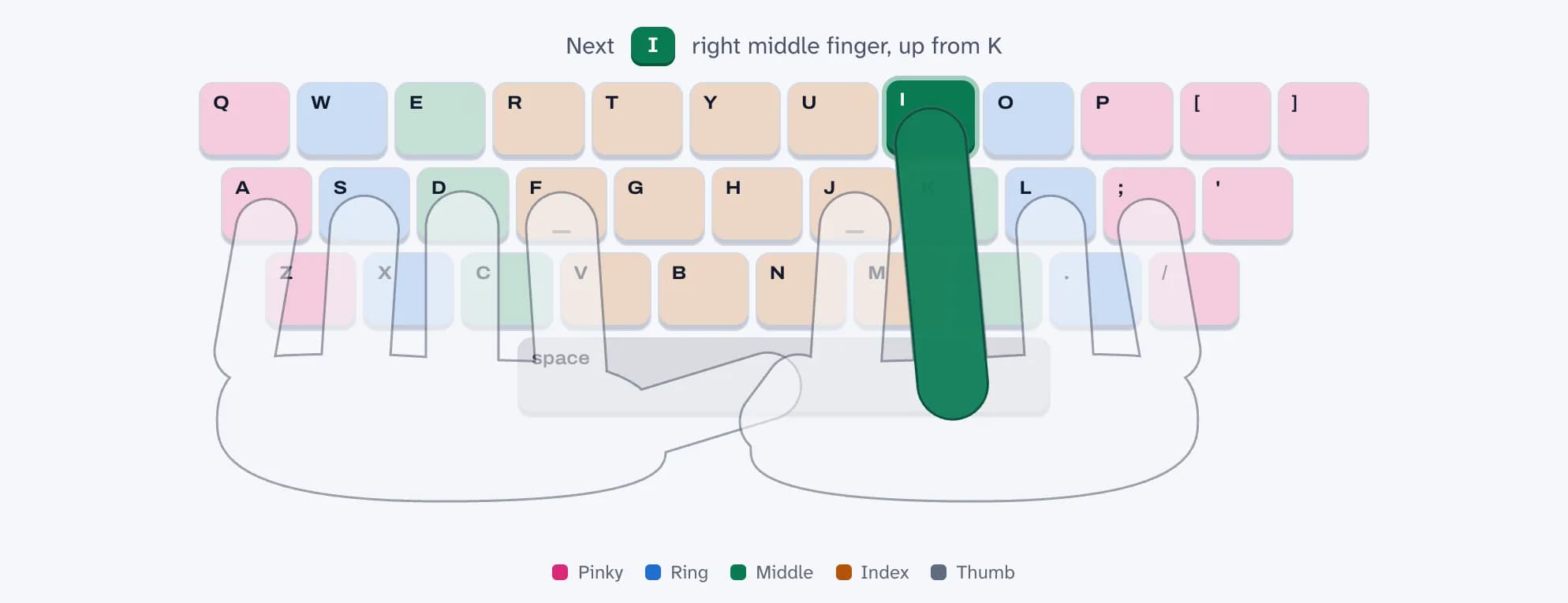
In practice:
- Week one: keep the on-screen keyboard on and check it whenever you’re unsure.
- Next: switch it off and turn it on only when you’re stuck on a key.
- Then: leave it off, and look at a chart only for rare keys like numbers and symbols.
Step 5: Practice the keys you still look for
You’ll probably end up with a short list of keys you still glance at: often the number row, the far pinky keys, or letters like B and Y that need a long reach from the home row. Practice those directly. TypingPractice.ai notices which keys you’re slow on or miss and puts them into about two words in three of your practice text, and its slips show what you hit when you miss, which tells you which reach is off.
Frequently asked questions
Is it bad to look at the keyboard while typing?
It isn’t wrong, and some self-taught typists who look down are fast. But it splits your attention between the keys and the screen, keeps you from reading ahead, and means you notice mistakes later. Touch typists in one study spent half as long looking at the keyboard as self-taught typists did.
Why am I slower when I don’t look?
Because you haven’t yet built the finger-to-key habits that replace looking. In one touch-typing course, students typed about 20 words per minute while looking and about 8 without. The gap closes with practice, which is why it’s worth pushing through the slow phase.
Should I use blank keycaps or cover the keyboard?
They can help if you keep glancing down out of habit, because they take away the option. They aren’t required: keeping your eyes on the screen by choice, and fading the help gradually, works too.
Can adults learn to type without looking?
Yes. The classic studies of learning to type were done with adults, from postal workers learning a keyboard for a new mail-sorting machine to university students taking a touch-typing course. Expect a few slow weeks, and practice a little every day.
Do touch typists ever look at the keyboard?
Sometimes. In the eye-tracking study, touch typists still spent about a fifth of their typing time looking at the keyboard. The goal isn’t never looking; it’s not needing to look for the letters you type all the time.
Sources
- Yechiam, Erev, Yehene and Gopher (2003). Melioration and the transition from touch-typing training to everyday use. Human Factors 45(4).
- Feit, Weir and Oulasvirta (2016). How We Type: Movement Strategies and Performance in Everyday Typing. CHI 2016.
- Keith and Ericsson (2007). A deliberate practice account of typing proficiency in everyday typists. Journal of Experimental Psychology: Applied 13(3).
- Salmoni, Schmidt and Walter (1984). Knowledge of results and motor learning: a review and critical reappraisal. Psychological Bulletin 95(3).
- Winstein and Schmidt (1990). Reduced frequency of knowledge of results enhances motor skill learning. Journal of Experimental Psychology: Learning, Memory, and Cognition 16(4).
- Baddeley and Longman (1978). The influence of length and frequency of training session on the rate of learning to type. Ergonomics 21(8).