Typing lesson 16 of 17
Typing numbers 1 and 0
Lesson 16 gives the pinkies their numbers: 1 for the left pinky, above Q, and 0 for the right pinky, above P. They are the longest reaches on the number row, so take them slowly at first.
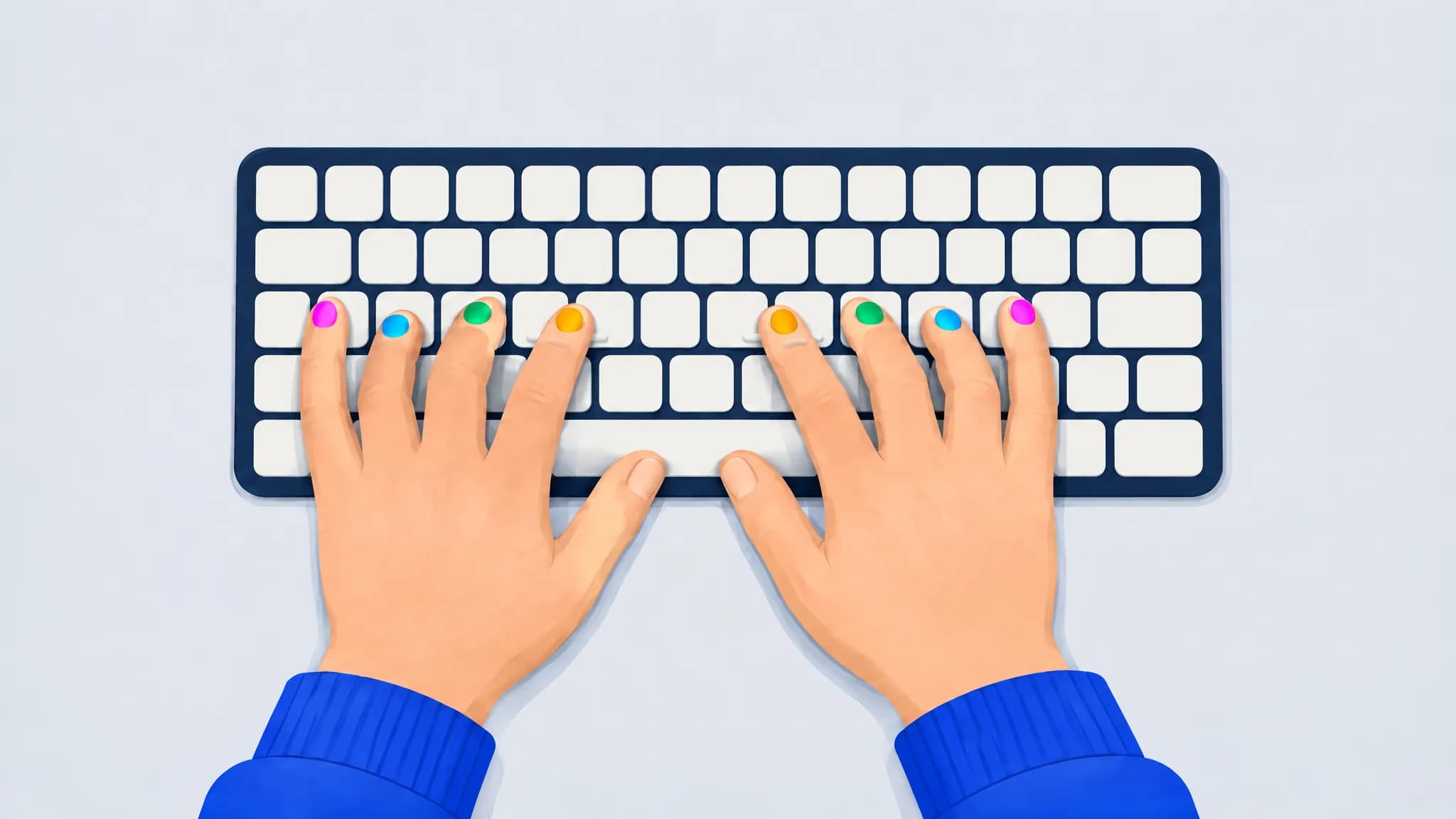
Keys and fingers
- Pinky
- Ring finger
- Middle finger
- Index finger
- Thumbs (space bar)
- Pale: keys from earlier lessons
- Outlined: home keys
| Key | Finger | Where it is |
|---|---|---|
| 1 | Left pinky | Two rows up from A |
| 0 | Right pinky | Two rows up from ; |
How to practice
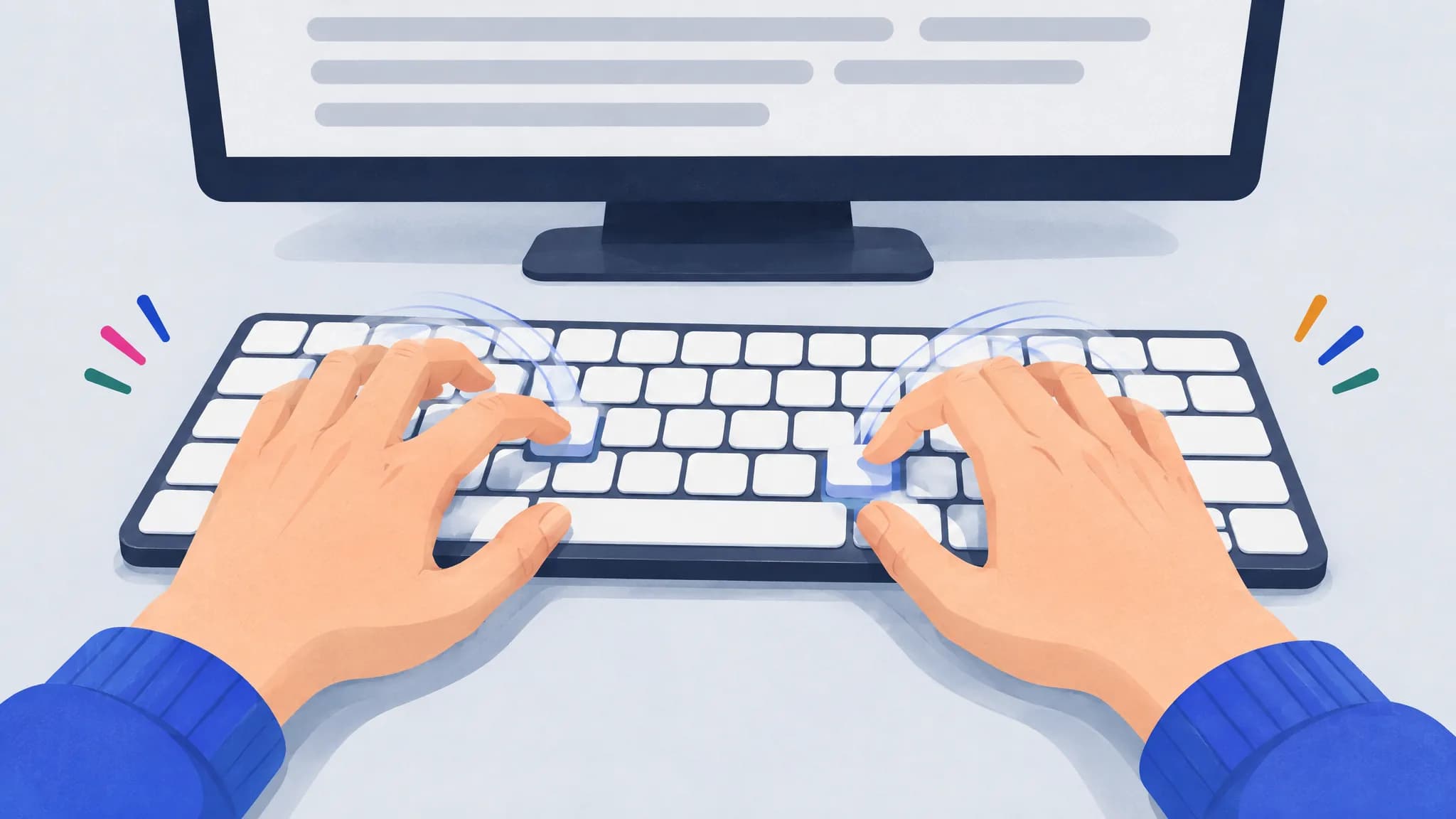
- Reach with the pinky alone. Keep your ring finger on its home key while the pinky stretches up for 1 or 0.
- Drill the reach, as the text does: a1a for the left pinky, and p0p for the right, which reaches up from P.
- Count repeated digits. Numbers like 100 repeat a digit; count them as you type rather than glancing down.
Practice text
The text mixes common words with numbers made only of the digits learned so far, most of them with this lesson’s new digits, and a short drill for each new digit from its finger’s home key: a1a, p0p. Two rounds as the trainer writes them; each round draws new numbers and words:
please 0 1071 both keep a p0p 1 101 17 thing 9118 7 11 10 32 use a1a work were
just 209 a1a but 141 p0p like 1101 team during 207 time 10 10 71 them 10 81 here 31
Common mistakes
- The letter O for zero. They look alike, but zero is on the number row and the letter O on the top row. The guide lights the one the text wants.
- A lowercase L for 1. They look alike in many fonts too; 1 is on the number row, for the left pinky.
- The ring finger doing the pinky’s job. Reaching for 1 with the ring finger pulls the hand off the home row.
Frequently asked questions
Which finger types 0?
The right pinky, above P. The two keys to its right, minus and equals, belong to the right pinky too.
What about the number pad?
The number pad on a full-size keyboard has a home row of its own, 4 5 6 under the right index, middle and ring fingers, and is quicker for long lists of figures. These lessons teach the number row, which every keyboard has. Our finger placement guide covers the number pad.
How do I pass lesson 16?
Type a round at 95% accuracy or better in which both 1 and 0 were typed right at least once. A lesson round is at most 30 words, and you can try again as often as you like: start lesson 16.
What comes after lesson 16?
Lesson 17 adds 5 and 6. Once you pass lesson 16, the next round starts it, and you can go back to any lesson whenever you like.